Quick actions
Add subtasks on the app (Premium)
Break work into Subtasks section in Task detail — Premium feature on iPhone/Android.
Premium
What you’ll learn
- Add subtasks in Task detail (Premium)
- Complete subtasks individually
- Track parent task progress
Before you start
| Platforms | iOS (TestFlight) · Android — primary guide. |
| Plan | Premium — subtasks |
| Prerequisites | Premium plan; parent task on Home tab. |
This feature requires Premium. See comparison.
Steps
1. Open parent task
Tap the large task → Task detail.
2. Add subtask
Scroll to Subtasks → tap + → enter name → save.
3. Complete subtask
Tap subtask checkbox when done. Parent progress updates.
4. Edit subtask
Tap subtask → detail → edit name, date, priority.
Mobile tips
- On Free: create separate tasks and link parent if needed
- Keep subtasks small — finish in one session
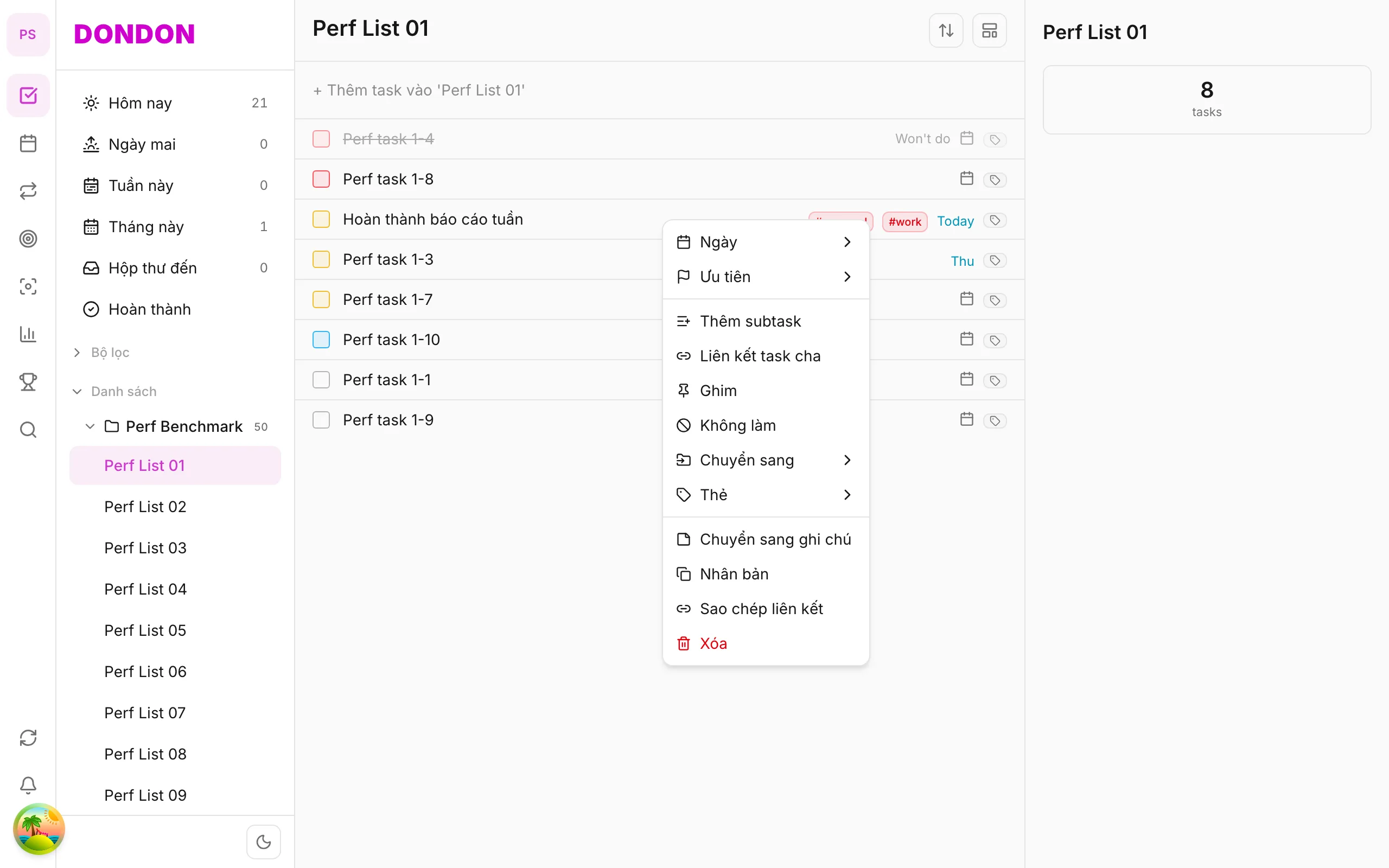
On web/desktop: Right-click parent → Add subtask inline.
Related guides
Try DonDon on your phone
Install on iOS (TestFlight) or Android. Sign up free if you don’t have an account yet.
Frequently asked questions
- Do subtasks need Premium?
- Yes — subtasks are Premium. On Free, create separate tasks instead.
- Can subtasks have due dates?
- Yes — tap subtask → detail to set dates like regular tasks.
- Where do I add subtasks on mobile?
- Parent Task detail → **Subtasks** section → **+**.
Create a free account and start managing tasks today.
Smart task management — focus on what matters.
Create free account