Tasks & lists
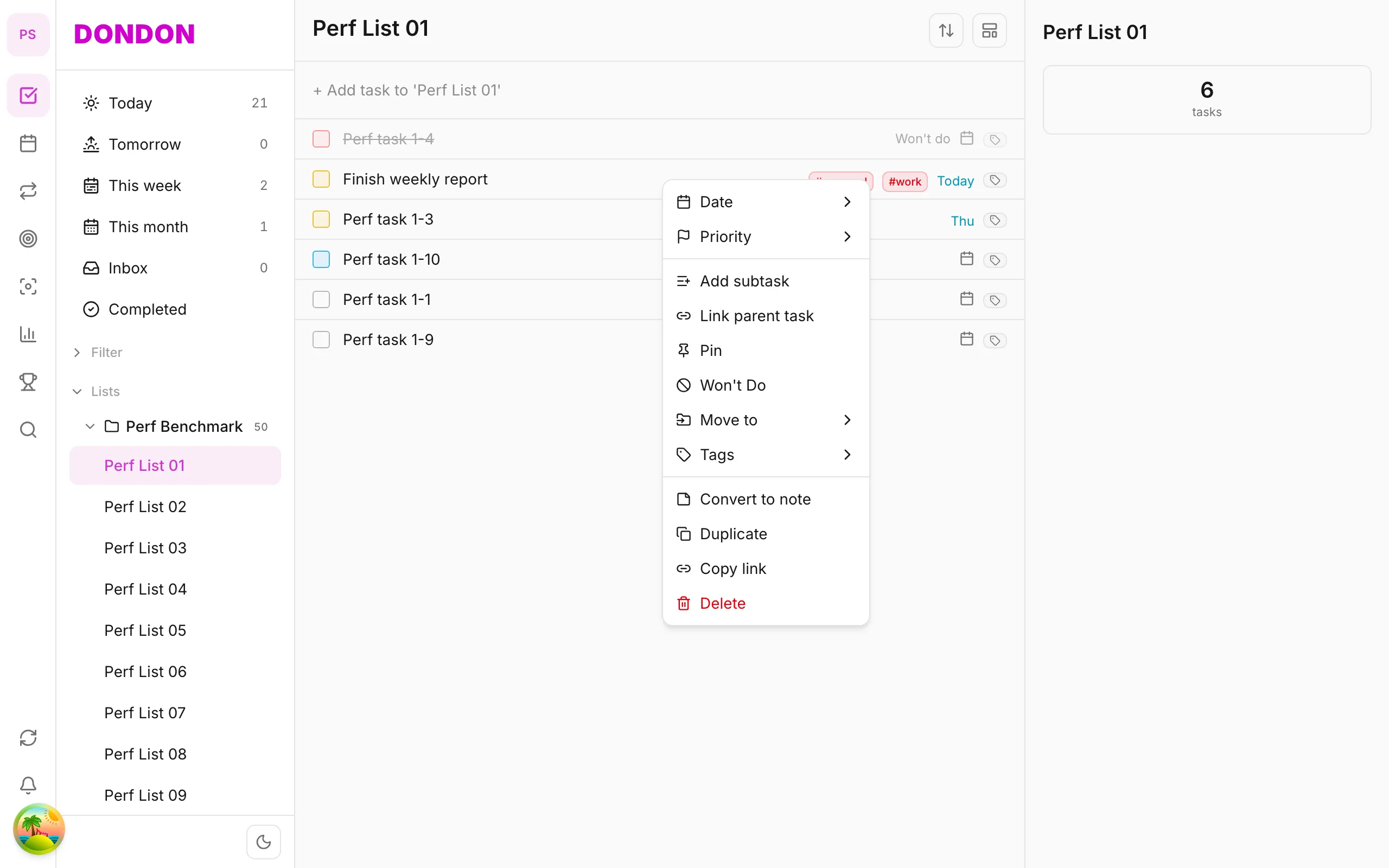
Smart lists & filters on the app
Filter tasks via Today, Upcoming on Home tab — custom smart lists need Premium; web/mobile parity note.
Premium
What you’ll learn
- Use Today / Upcoming on Home (Free)
- Create custom smart lists (Premium — mainly web)
- Understand mobile filter limits
Before you start
| Platforms | iOS (TestFlight) · Android — primary guide. |
| Plan | Mixed — Today/Upcoming Free; custom smart lists Premium |
| Prerequisites | Tasks with due dates for Today/Upcoming. |
Steps
1. Built-in filters (Free)
On Home tab, tap Today or Upcoming — view tasks by date.
2. List filters
Tap filter icon on list bar (if available) — filter by tag, priority (per version).
3. Custom smart lists (Premium)
Build complex filters (AND/OR tags, priority) — fuller on web. On mobile: use saved smart lists if app shows them.
4. Save favorite views
On web: save smart list → syncs to mobile in same workspace.
Mobile tips
- Add tags to filter by topic
- Don’t claim 100% web parity — check live app
On web/desktop: Full smart list editor; sidebar filters.
Related guides
Try DonDon on your phone
Install on iOS (TestFlight) or Android. Sign up free if you don’t have an account yet.
Frequently asked questions
- Do custom smart lists need Premium?
- Yes — custom filters/smart lists are Premium. Free: Today, Upcoming sections on Home.
- Where to filter on mobile?
- **Home** tab — tap Today, Upcoming; filter icon on list bar (if available).
- Full web filters on mobile?
- Some advanced filters are web/desktop only — verify in-app before claiming.
Create a free account and start managing tasks today.
Smart task management — focus on what matters.
Create free account