Quick actions
Tag tasks on the app
Add and remove tags via Task detail or long-press — tag management on iPhone/Android.
Free
What you’ll learn
- Tag tasks via Task detail or long-press
- Use #tags in Quick Add
- Filter by tag (where available on mobile)
Before you start
| Platforms | iOS (TestFlight) · Android — primary guide. |
| Plan | Free — tags with quota |
| Prerequisites | At least one tag (or create when tagging). |
Steps
1. Open Tags
Tap task → Task detail → Tags.
Or long-press → Tags.
2. Pick or create tag
Sheet shows existing tags — tap to attach. Create new if within quota.
3. Confirm
Tag badge appears on the task row.
4. Remove tag
Reopen Tags sheet → deselect tag.
Mobile tips
- Quick Add:
Team sync #work - Advanced tag filters: Premium — see Smart lists
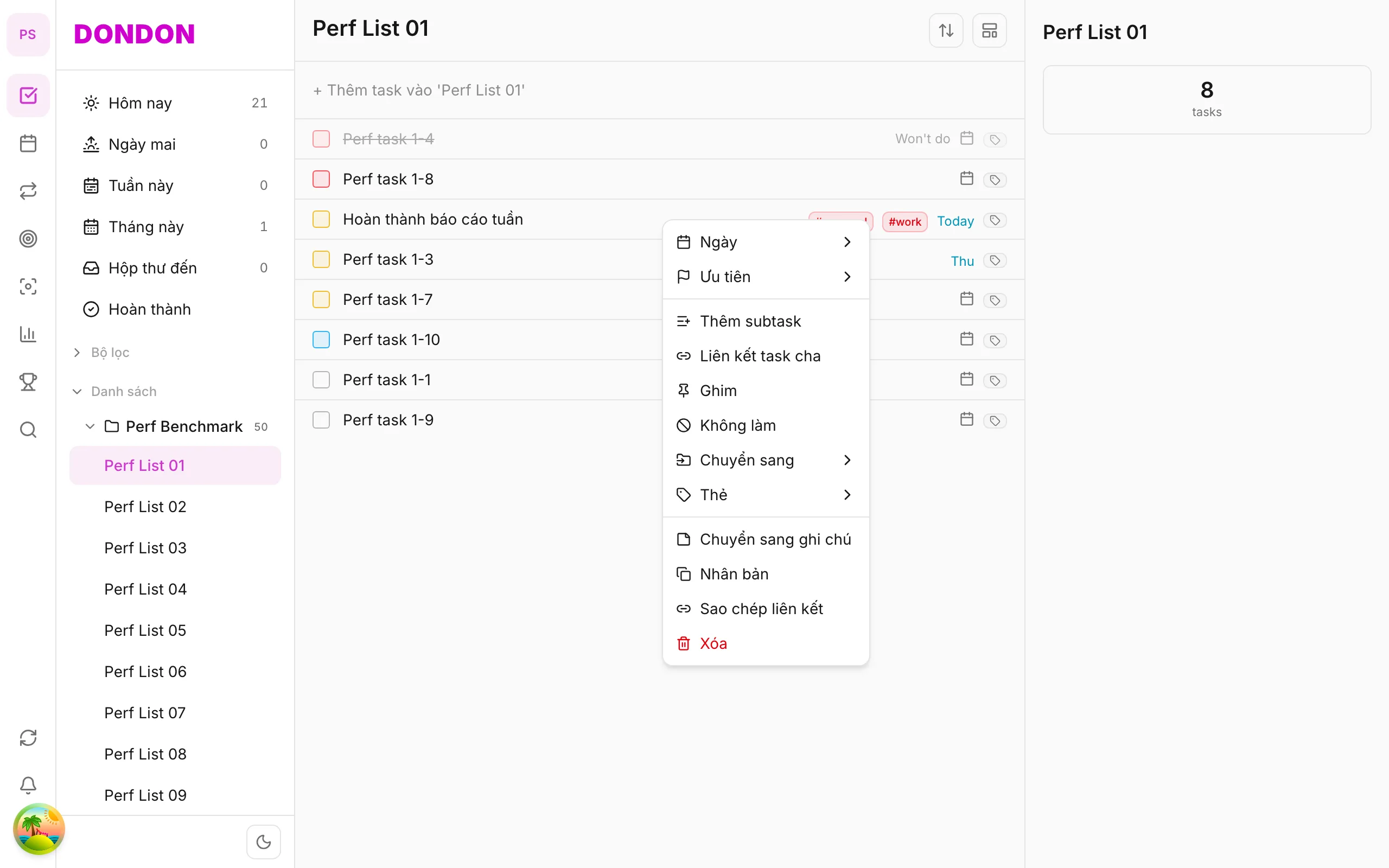
On web/desktop: Right-click → Tags submenu.
Related guides
Try DonDon on your phone
Install on iOS (TestFlight) or Android. Sign up free if you don’t have an account yet.
Frequently asked questions
- How many tags on Free?
- Free has a tag limit — enough for personal use; Premium expands.
- Tag in Quick Add?
- Type #work or #personal in the Quick Add pill.
- How do I remove a tag?
- Task detail → Tags sheet → deselect tag.
Create a free account and start managing tasks today.
Smart task management — focus on what matters.
Create free account