Goals
Pet companion on the app (Premium)
Raise a companion pet in DonDon — Premium feature; open via Settings on iPhone/Android.
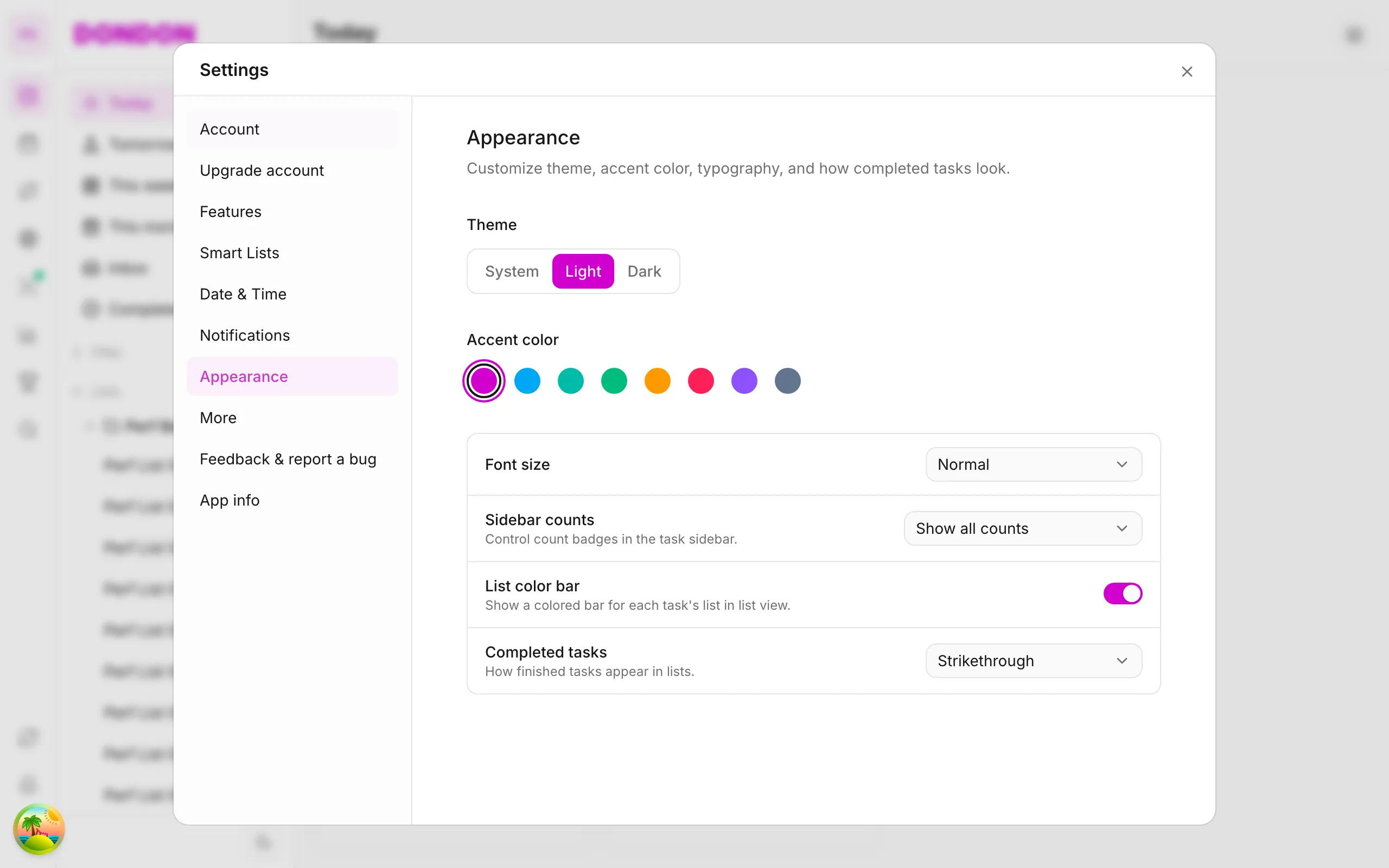
What you'll learn
- Enable pet companion (Premium)
- Find Pet in Settings
- Understand pet as gamification motivation
Before you start
| Platforms | iOS (TestFlight) · Android — primary guide. |
| Plan | Premium — pet companion |
| Prerequisites | Active Premium plan. |
This feature requires Premium. See comparison.
Steps
1. Open Settings
Tap top avatar or More → Settings.
2. Find Pet / Companion
Scroll to Pet companion (UI label may vary by version).
3. Choose or enable pet
Follow onboarding — pick pet, name if offered.
4. Daily interaction
Complete tasks and habits — pet responds per app design (see in-app).
Mobile tips
- Combine with Achievements for extra motivation
- Don't claim unshipped pet features — follow live app
On web/desktop: Pet in Settings similarly.
What the pet is for
The pet companion is a light gamification layer. Instead of a plain progress bar, you have a character that reflects your day. Many people find that a small, friendly reaction makes routine tasks feel less like a chore. It is a motivation aid, not a requirement.
Who benefits most
- People who enjoy playful feedback when they finish tasks.
- Anyone building a daily habit who wants a visible reason to open the app each morning.
- Users who already like achievements and streaks and want something a bit friendlier.
How to get the most from it
- Set up your pet in Settings and give it a name if the app offers that.
- Complete a small task early in the day so the pet reacts straight away.
- Keep your habits current, as they feed the same daily rhythm.
Premium note
The pet is a Premium feature. The Free plan covers tasks, lists, a habit, quick-add and basic Pomodoro. See pricing to compare plans before you upgrade.
Common mistakes
- Expecting the pet to appear without an active Premium plan.
- Following an old screenshot. Labels can change between versions, so follow what the live app shows.
Related guides
Try DonDon on your phone
Install and upgrade Premium for pet. Sign up free.
Frequently asked questions
- Does pet companion need Premium?
- Yes — pet companion is a Premium feature.
- Where is pet on mobile?
- **More** → **Settings** (or top avatar) → Pet / Companion section.
- Does pet affect tasks?
- Pet is motivational layer — completing tasks/habits may interact with pet per app design.
Create a free account and start managing tasks today.
Smart task management — focus on what matters.
Create free account