Sync & reminders
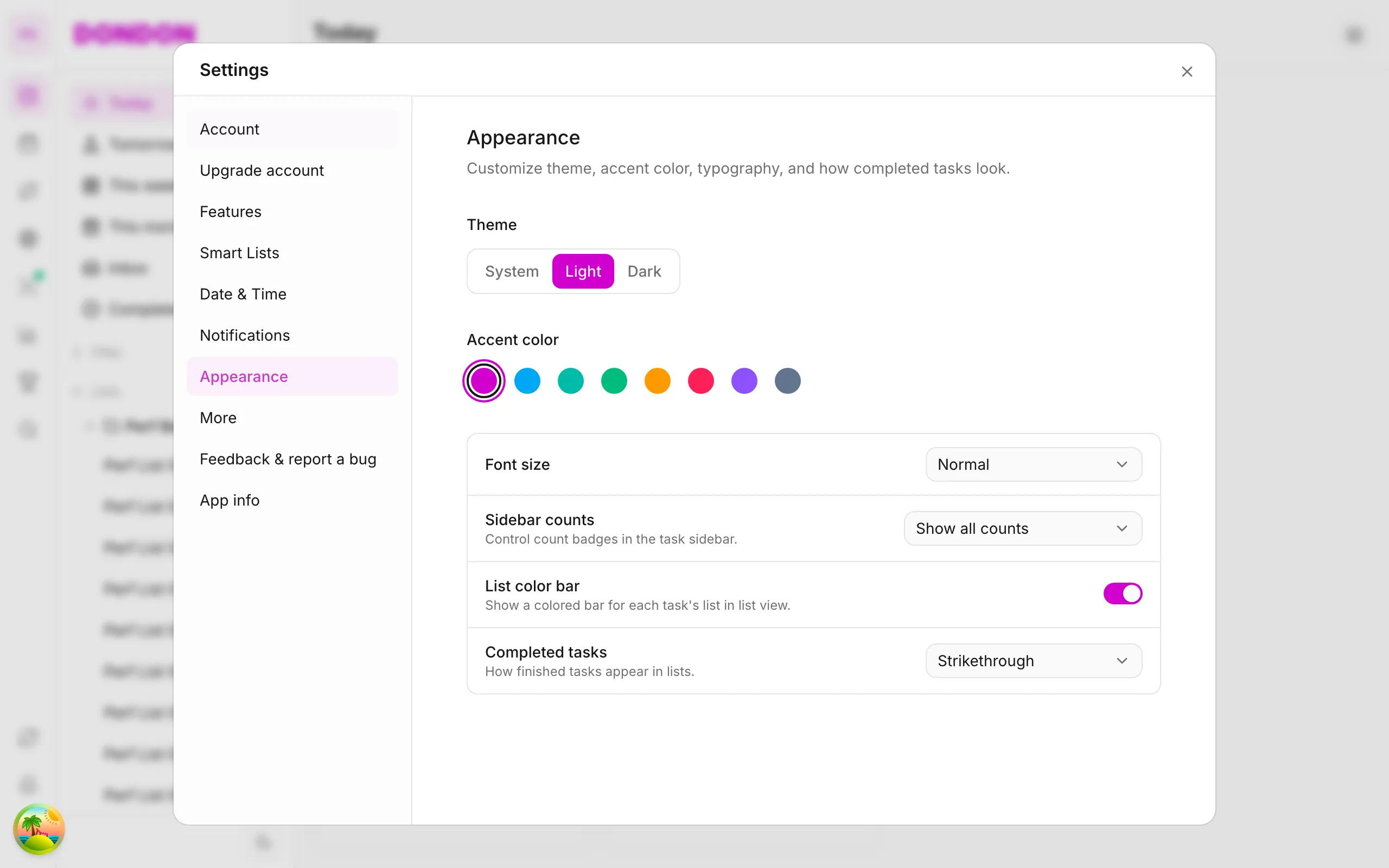
Workspace settings on the app
Rename workspace, language, and sync options via Settings — guide for iPhone/Android.
Free & Premium
What you'll learn
- Open Settings on mobile
- Rename workspace and UI language
- Enable notifications and calendar sync (Premium)
Before you start
| Platforms | iOS (TestFlight) · Android — primary guide. |
| Plan | Mixed — basics on Free; customization Premium |
| Prerequisites | Signed in. |
Steps
1. Open Settings
Tap avatar top of Home or More → Settings.
2. Workspace
Edit Workspace name, workspace avatar (if available).
3. Language & notifications
- Language — vi / en
- Notifications — enable task reminders (needs iOS/Android permission)
4. Calendar sync (Premium)
Calendar sync — connect Google (up to 2 accounts). See Sync.
Mobile tips
- Sign out / switch account in Settings — don't share devices
- Pet companion (Premium): see Pet
On web/desktop: Settings via icon rail or profile menu.
What lives in Settings
Settings is the place for choices that apply across the whole workspace: its name, your language, notification permissions and calendar connections. You rarely change them, but a few minutes at the start saves friction later.
Set up in five minutes
- Name your workspace so it is easy to recognise if you use more than one.
- Choose your language. The app supports Vietnamese and English.
- Turn on notifications and accept the system permission prompt. Without it, reminders cannot reach you.
- Connect your calendar (Premium) if you want events and tasks in one view. You can link up to two Google accounts; see Sync & reminders.
Tips
- If reminders do not arrive, check both the in-app switch and the system notification settings for DonDon.
- Sign out on shared devices when you are done.
- Revisit Settings after you upgrade, because Premium features such as the pet companion appear there.
Common mistakes
- Denying the notification prompt once and forgetting to re-enable it in the phone settings.
- Changing the language and thinking your data changed. Only the interface language changes.
Related guides
Try DonDon on your phone
Install on iOS (TestFlight) or Android. Sign up free if you don't have an account yet.
Frequently asked questions
- Where is Settings on mobile?
- Top avatar or **More** → **Settings**.
- Switch vi/en language?
- Settings → Language — pick vi or en.
- Advanced customization needs Premium?
- Some Settings customization needs Premium — see [pricing](/pricing/).
Create a free account and start managing tasks today.
Smart task management — focus on what matters.
Create free account