Quick actions
Set a task reminder on the app
Enable push notifications via Task detail or long-press — reminder guide for iPhone/Android.
What you'll learn
- Enable push reminders for tasks on mobile
- Pick reminder time (e.g. 30 min before due)
- Allow notifications on iOS/Android
Before you start
| Platforms | iOS (TestFlight) · Android — primary guide. |
| Install | iOS: TestFlight (board link). Android: APK / Play internal when available. |
| Plan | Free — basic reminders |
| Prerequisites | Task with due date (recommended); notification permission enabled. |
Steps
1. Open reminder
Tap task → Task detail → Reminder.
Or long-press → Reminder.
2. Pick time
Choose a preset (e.g. At due time, 30 min before) or custom time.
3. Allow notifications
If iOS/Android prompts, tap Allow for push notifications.
4. Verify
At the set time, you get a notification — tap to open the task in the app.
Mobile tips
- Set a due date before enabling reminder
- See Sync & reminders for offline sync
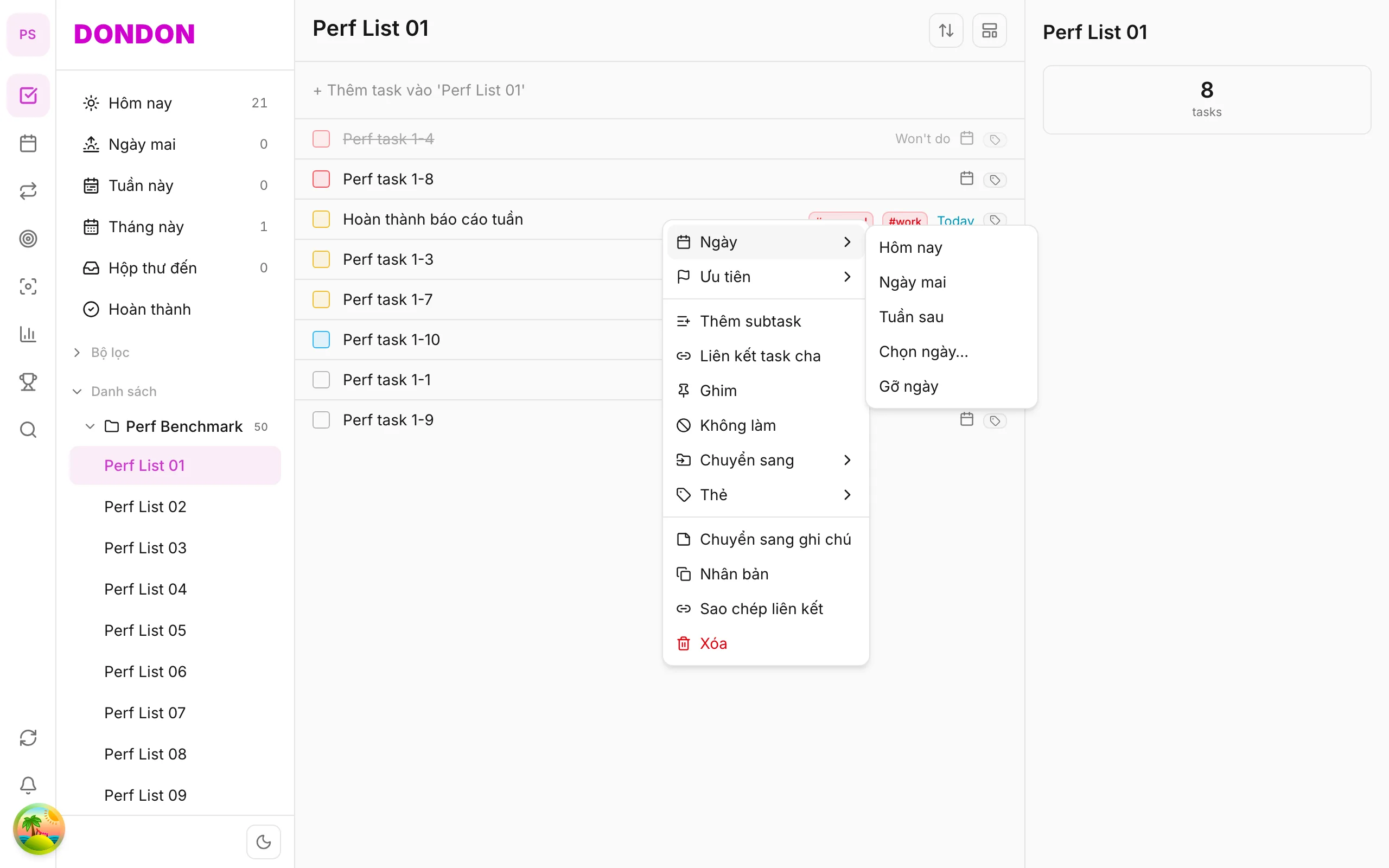
On web/desktop: Right-click → Date → Pick date… → Reminder in date picker.
When reminders help
A due date tells you when something is due, but only if you look. A reminder pushes a notification at the right time, so important tasks do not rely on your memory.
Choosing the time
- At due time for tasks that have to start on the minute, such as a call.
- 30 minutes before for tasks that need preparation or travel.
- A custom time when none of the presets fits.
Set the due date first. A reminder works from the date and time you give the task.
A worked example
You have "Pick up dry cleaning" due at 17:30. Set a reminder 30 minutes before. At 17:00 your phone shows a notification, you tap it, and the task opens so you can leave on time.
If you do not receive reminders
- Check that notifications are allowed for DonDon in your phone settings.
- Check that the task has a date and time, not only a day.
- Make sure the app is signed in and synced. See Sync & reminders.
Tips
- Use reminders sparingly. If every task buzzes, you will start to ignore them.
- Combine with repeat (Premium) for regular tasks.
Common mistakes
- Denying the notification permission and forgetting about it.
- Setting a reminder without a due date.
Related guides
Try DonDon on your phone
Install on iOS (TestFlight) or Android. Sign up free if you don't have an account yet.
Frequently asked questions
- Are reminders on Free?
- Basic reminders are on Free. Some advanced time options need Premium.
- I'm not getting reminders on iPhone?
- Check Settings → DonDon → Notifications are enabled; and the task has a reminder set.
- Where do I set reminders on mobile?
- Task detail → **Reminder**, or long-press → **Reminder**.
Create a free account and start managing tasks today.
Smart task management — focus on what matters.
Create free account