alternatives
Best Todoist Alternatives in 2026 (Free Options)
Todoist prices went up. Compare TickTick, Microsoft To Do, Things 3, Any.do, Notion and DonDon for habits, calendar and AI without paying for features you skip.
Why people leave Todoist
Todoist is fast, clean and well integrated, and that is why it stays popular. People look for alternatives for three practical reasons:
- Price. Todoist raised Pro prices in December 2025. Recent reports put Pro at about $60 a year on annual billing and about $7 on monthly billing. Confirm on todoist.com/pricing.
- No habit tracker. Recurring tasks are not the same as streaks and check-ins.
- No calendar-first planning unless you pay and pair it with other tools.
Prices are publicly reported figures checked on 2 November 2026; vendors change them often.
Quick comparison
| App | Free plan | Paid | Habits | Calendar / time blocking | AI |
|---|---|---|---|---|---|
| DonDon | Tasks, 3 lists, 1 habit, week goals, timer | $1.99/mo or $11.99/yr | Yes | Premium | Own key, optional |
| TickTick | Yes, with limits | About $36–50/yr (sources differ) | Yes | Yes (Premium views) | Some premium features |
| Microsoft To Do | Fully free | – | No | Basic | No |
| Any.do | Yes, limited | About $5–8/mo | Limited | Yes | Premium |
| Things 3 | No (trial) | One-time per device | No | Basic | No |
| Notion | Yes | From about $10/member/mo | DIY | DIY | Plan/add-on |
The alternatives
TickTick – the closest all-in-one
If you want Todoist's list model plus habits, Pomodoro and calendar in one subscription, TickTick is the most direct swap. See our TickTick vs Todoist comparison.
DonDon – tasks, habits and goals with optional AI
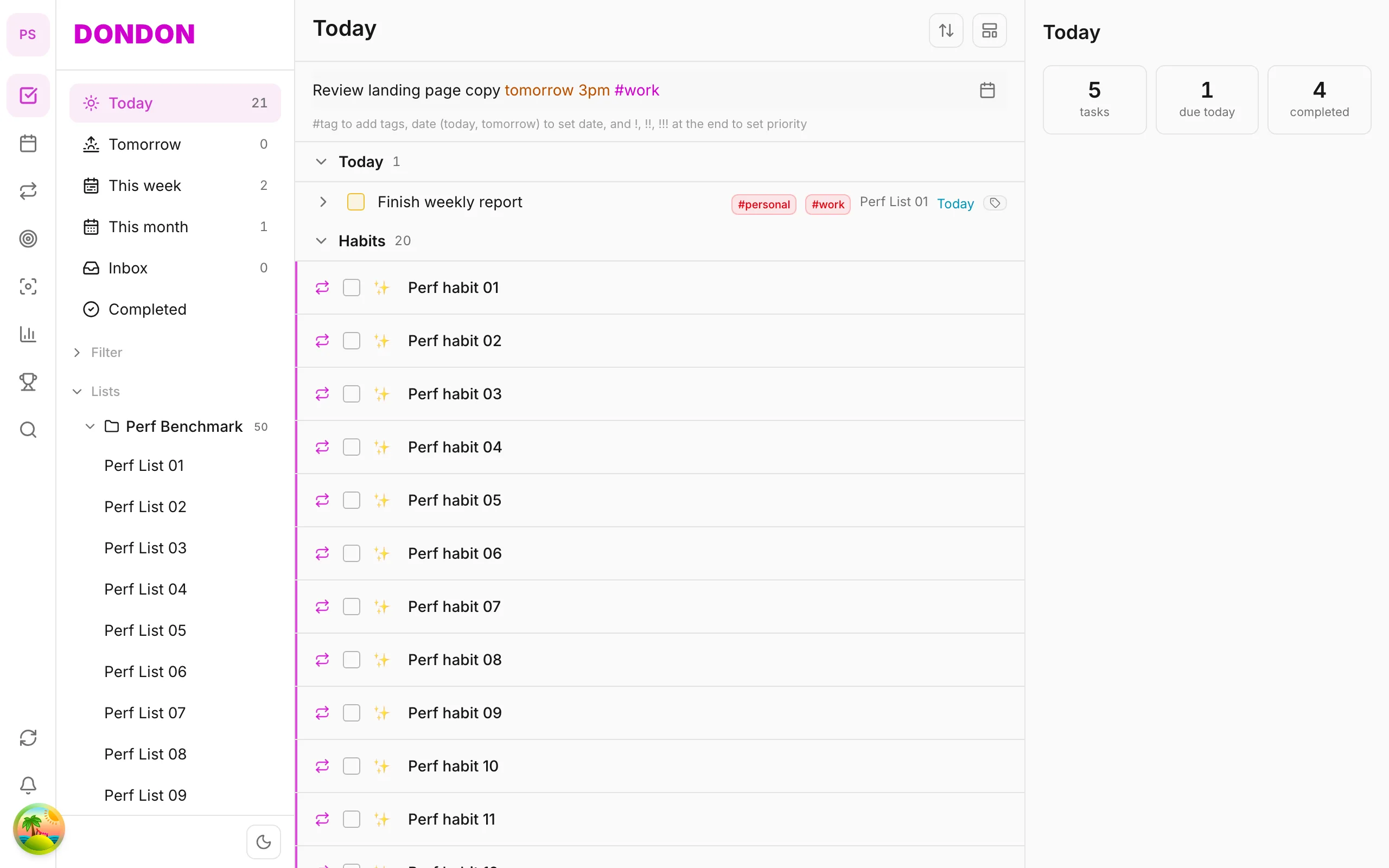
DonDon keeps natural-language quick-add (type Call client Friday 9am #work) and adds habits, week/month/year goals and a Pomodoro timer. The calendar and time blocking are Premium. AI is optional and uses your own key, so you decide which model sees your tasks.
Honest gaps compared with Todoist: a much smaller integration list, no list sharing or team features today, and no bulk importer — you would recreate projects by hand.
Microsoft To Do – free and light
Zero cost and integrates with Microsoft 365. It stays intentionally simple.
Things 3 – Apple-only and one-time
No subscription, beautiful, but you buy per device and there is no Android or Windows version.
Any.do and Notion
Any.do is calendar-forward; Notion is a build-it-yourself system. Both can work, but neither is as fast for plain capture.
How to switch without losing a week
- Export from Todoist (CSV per project) so you have a record.
- Pick one week to run both apps in parallel.
- Recreate only active projects, not your archive.
- Rebuild your two or three most-used filters as saved smart lists.
What Todoist users actually miss when they leave
Before you compare alternatives, write down the Todoist features you use weekly. In our experience the list is short, and it decides everything:
- Natural-language dates. Typing "every other Friday" or "next month on the 3rd" and getting a recurring task. Most alternatives support the common patterns; the long tail of phrases is where they differ.
- Filters and labels. Todoist's filter query language is powerful. Alternatives offer saved filters or smart lists, but few match the query syntax.
- Integrations. Calendar, email, Slack and automation tools. Check that the specific ones you use exist before you move.
- Shared projects. If you assign tasks to other people, you need a collaborative tool.
- Cross-platform polish. Todoist feels consistent across web, desktop and mobile.
If you rely heavily on filters and integrations, a switch will cost you. If you mostly keep a personal list with due dates, almost any alternative here will do.
Replacing what Todoist doesn't have
Todoist deliberately stays a task manager. These are the gaps people fill with other tools:
| Gap | What people use | Alternative that includes it |
|---|---|---|
| Habit tracking with streaks | A separate habit app | TickTick, DonDon |
| Pomodoro / focus timer | A browser timer | TickTick, DonDon |
| Week, month and year goals | Notes or spreadsheets | DonDon |
| Time blocking on a calendar | Google Calendar + copy/paste | TickTick (premium), DonDon (Premium) |
| AI on your own model | Nothing | DonDon |
Consolidating three apps into one only pays off if you actually use each piece. Two apps you like beat one app you tolerate.
Notes on each alternative
TickTick. The most feature-dense option, with habits, Pomodoro, calendar views and an Eisenhower matrix. The trade-off is a busier interface and more settings. Reported pricing is typically lower than Todoist Pro, but figures differ by source.
Microsoft To Do. Free, quick, and well integrated with Outlook and Microsoft 365. It is intentionally limited: no habits, goals, timer or advanced filters.
Any.do. Friendly daily planning with a calendar flavour. Some everyday features, such as recurring tasks, are locked behind Premium on the free plan, so test with your real routine.
Things 3. Beautiful, fast and Apple-only, with one-time per-device prices. No subscription, but no Android, Windows or web version either.
Notion. Powerful if you want to design your own system. Quick capture is slower, and building filters and views is on you.
DonDon. A personal planner combining tasks, habits, goals and a focus timer, with quick-add that parses dates, tags and priority (Call client Friday 9am !!). Optional AI runs on your own key (Claude, OpenAI, Gemini) or a local model, and nothing is sent anywhere until you turn it on. It is a younger product: a smaller integration list, no shared projects or team features today, and no bulk importer.
Migration checklist
- Export every active project from Todoist as CSV and keep the files.
- List your five most-used filters or labels.
- Decide on a cut-off: only tasks due in the next 90 days come across.
- Recreate recurring tasks first. They are the ones that quietly disappear if you forget.
- Run both apps for a week. Delete nothing until you have not opened Todoist for three days.
- Cancel the subscription only after your annual renewal date is clear, so you do not pay twice.
Should you even switch?
Honestly, many people should not. If Todoist fits and the only complaint is a few dollars a year, the migration costs more than it saves. Switch when you are paying for features you do not use, or when you need something Todoist does not offer: habits, goals, a timer, or AI that runs on a model you control.
Which should you pick?
- Staying close to Todoist but cheaper: TickTick or Microsoft To Do.
- You want habits and goals next to tasks: DonDon.
- Apple only, no subscription: Things 3.
Compare plans on the DonDon pricing page or read how AI task managers differ.
Frequently asked questions
- What is a good free Todoist alternative?
- Microsoft To Do is free for lists. If you also want habits, week goals and a Pomodoro timer on a free plan, DonDon's Free plan covers them with limits.
- Does Todoist have a habit tracker?
- Todoist handles recurring tasks, but it does not have a dedicated habit tracker with streaks. Apps such as TickTick and DonDon include one.
- Which Todoist alternative has the best natural-language input?
- Todoist's natural-language input is excellent, and TickTick and DonDon both offer similar quick-add parsing (for example 'Team sync 3pm tomorrow #work').
Create a free account and start managing tasks today.
Smart task management — focus on what matters.
Create free account