comparison
TickTick vs Todoist (2026): Which Is Better for You?
TickTick vs Todoist compared on price, habits, calendar, natural language, integrations and AI, plus a third option worth testing.
The short answer
- Pick TickTick if you want tasks, habits, a Pomodoro timer and calendar views in one subscription.
- Pick Todoist if you want a fast, clean list tool with deep integrations and don't mind assembling the rest.
Side by side
| TickTick | Todoist | |
|---|---|---|
| Free plan | Yes, with limits | Yes, with limits |
| Paid price (reported) | About $36–50/year (sources differ) | About $60/year annual, about $7 monthly |
| Habit tracker | Built in | No (recurring tasks) |
| Pomodoro timer | Built in | Via integrations |
| Calendar view | Yes (premium views) | Calendar layouts / integrations |
| Eisenhower matrix | Built in | Via filters / priorities |
| Natural-language add | Yes | Yes, widely praised |
| Integrations | Good | Very large catalogue |
| Collaboration | Shared lists | Strong sharing |
| AI | Some premium AI features | AI assistant options |
Reported figures checked 2 November 2026. Todoist raised prices in December 2025, and sources disagree on TickTick's current price. Confirm on todoist.com/pricing and ticktick.com.
Where TickTick wins
- Everything in one place. Habits, focus timer and calendar are part of the app.
- Price. Typically cheaper per year.
- Eisenhower matrix is a built-in view.
Where Todoist wins
- Speed and polish. Capture and project structure feel effortless.
- Integrations. If your workflow depends on connecting to other tools, Todoist's catalogue is larger.
- Collaboration. Strong for shared projects.
Where both struggle
Neither includes goals tied to habits, and AI is an add-on or premium feature priced by the vendor. Both send your data to their own servers, including any AI requests.
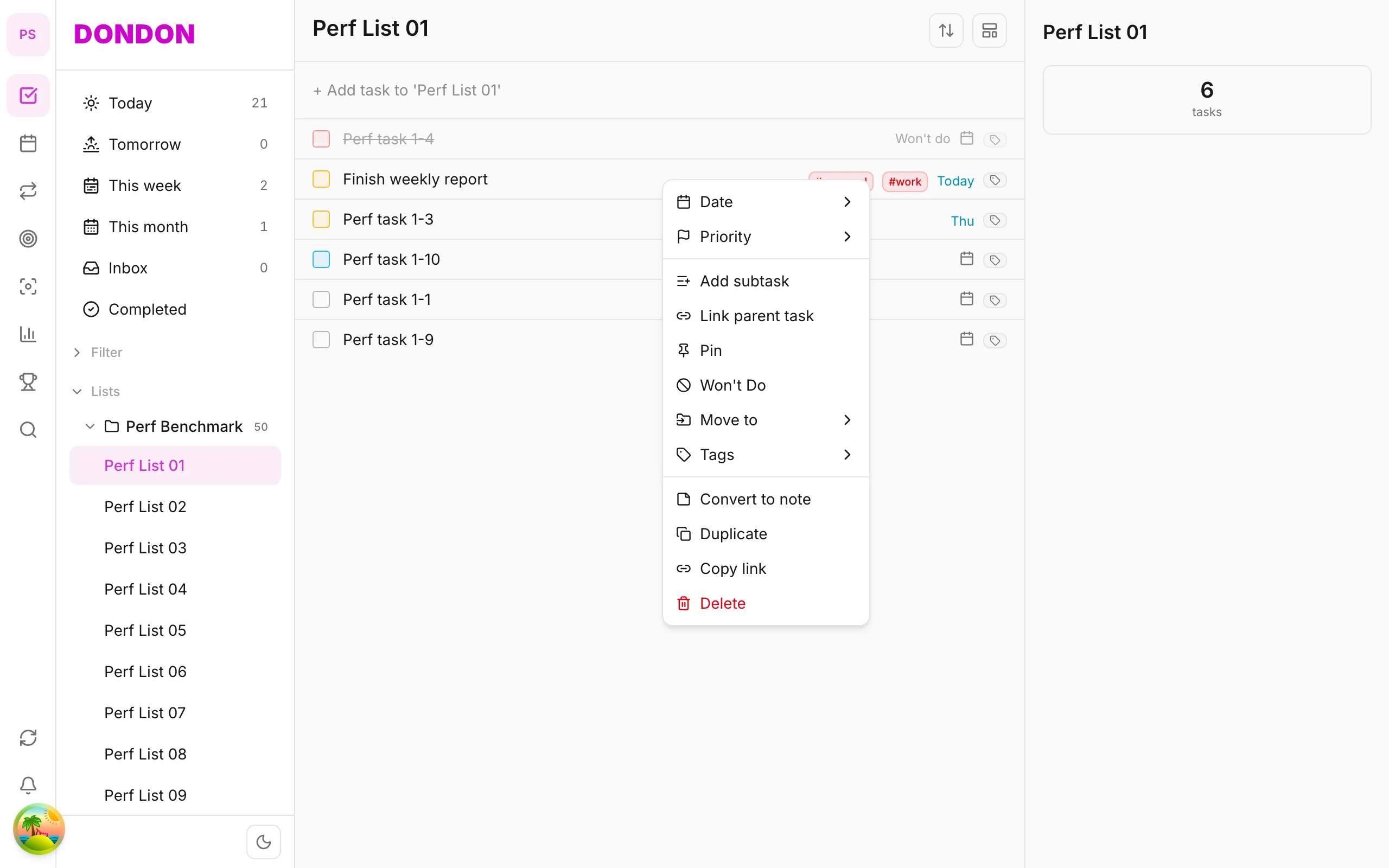
A third option: DonDon
DonDon sits closer to TickTick's all-in-one idea with a different approach to AI and a lower price:
- Tasks, lists, habits, week/month/year goals and a Pomodoro timer in one app.
- Natural-language quick-add on the Free plan.
- Optional AI on your own key (Claude, OpenAI, Gemini, or a local model).
- Premium is $1.99/month or $11.99/year.
Where it falls short: a young product with a smaller integration list, no list sharing or team collaboration today, and no importer, so you recreate lists by hand. The calendar and time blocking are Premium.
See best TickTick alternatives and best Todoist alternatives.
A closer look at daily use
Feature tables hide how the apps feel. Here is what the difference looks like on an ordinary Tuesday.
Capture. In both apps you can type a sentence and get a dated task. Todoist's parser is widely praised for handling unusual phrasing. TickTick's is strong for common patterns and adds voice input on premium. For most people the difference is small.
Planning the day. TickTick shows tasks in a calendar and has a built-in focus timer, so you can plan, block and work in one place. Todoist keeps the interface simple and expects you to use its Today and Upcoming views, with calendars handled by integrations or its calendar layout.
Habits. TickTick tracks habits with check-ins and statistics. Todoist does not have a dedicated habit feature; people use recurring tasks, which do not give you streaks or history.
Organisation. Both support projects, labels, filters and priorities. Todoist's filter syntax is powerful and a favourite of heavy users. TickTick offers smart lists with a friendlier interface.
Collaboration. Both support shared lists or projects. Todoist is the stronger choice for assigning and tracking work across a team.
Customisation. TickTick has more themes and display options; Todoist is deliberately minimal.
Who each app is for
TickTick suits someone who wants to run their personal life in one app and does not mind a dense interface: tasks, habits, a timer, a calendar and an Eisenhower view in one subscription.
Todoist suits someone who values speed and a clean interface, relies on integrations and collaboration, and prefers to pick separate tools for habits and focus.
Cost over a year
Both have free plans with limits. Paid prices change and sources disagree, so work from your own numbers:
- Open each pricing page.
- Write down the yearly price, not the monthly one.
- List which paid features you would genuinely use. If it is only reminders and a few extra lists, check whether the free plan is enough.
Reported figures at the time of writing put TickTick Premium at roughly $36 to $50 a year and Todoist Pro at about $60 a year on annual billing, but confirm before buying. Todoist raised prices in December 2025.
Data and AI
Both are cloud services: your tasks sync to the vendor's servers. For AI features, the vendor decides which model processes your text and what plan includes it. If you would prefer AI that runs on your own provider key or a local model, that is the main reason people look at bring-your-own-key apps. See best AI task manager apps.
Switching between them
Moving between the two is manageable because both export data, but expect to lose some fidelity:
- Recurring rules may translate imperfectly.
- Habit history only exists in TickTick, so it does not transfer.
- Filters and labels may need rebuilding.
- Shared project history rarely transfers.
Run both for a week before cancelling.
Where DonDon fits
DonDon is neither as mature as TickTick nor as well integrated as Todoist, and does not support shared lists today. It is worth a look if you want TickTick-style tasks, habits and goals with a quieter interface, optional AI on your own key and a lower price. The Free plan includes quick-add, three lists, one habit and a Pomodoro timer, so you can compare in an afternoon. See the pricing page.
How to decide in 15 minutes
- List the three features you use daily.
- Check which app includes them on its free plan.
- Do one real day in each; do not judge from screenshots.
- Compare yearly cost with your actual needs, not the full feature list.
Still unsure? Try DonDon's Free plan for a day as a third data point.
Frequently asked questions
- Is TickTick better than Todoist?
- TickTick bundles more built-in features (habits, Pomodoro, calendar views). Todoist is cleaner and has a larger integration ecosystem. The better choice depends on whether you want an all-in-one or a focused list tool.
- Which is cheaper, TickTick or Todoist?
- TickTick Premium is typically reported cheaper per year than Todoist Pro, but figures vary by source. Confirm both on the vendors' pricing pages.
- Does Todoist have habit tracking?
- Not as a dedicated feature. Todoist supports recurring tasks; TickTick has a dedicated habit tracker.
Create a free account and start managing tasks today.
Smart task management — focus on what matters.
Create free account