Getting started
Getting started with DonDon on iPhone & Android
Install the todo app on iOS TestFlight, explore the tab bar, and add your first task with Quick Add — free task manager on mobile.
What you’ll learn
- Install DonDon on iOS (TestFlight) or Android
- Sign in and open your first workspace
- Navigate the tab bar and add a task with Quick Add
- Mark complete with a tap or swipe
Before you start
| Platforms | iOS (TestFlight) · Android — primary guide. Web/desktop: footnote at end of section if different. |
| Install | iOS: TestFlight (board link). Android: APK / Play internal when available. |
| Plan | Mixed — Free covers tasks and habits; full calendar requires Premium. |
| Prerequisites | Signed in to the app; default workspace has an Inbox list. |
Steps
1. Install the app and sign in
On iPhone, open the TestFlight link and install DonDon. On Android, use APK or Play internal (when available). Open the app → Sign in with email and password. You land in the default workspace with an Inbox list.
2. Explore the tab bar
The bottom tab bar includes Home, Habits, Goals, More, and Search:
- Home — task lists (Today, Upcoming, Inbox, …)
- Habits — habit tracking
- Goals — week/month/year goals
- More — Calendar, Focus, Achievements, Analytics, Settings
- Search — find tasks quickly
3. Add your first task
On the Home tab, tap the Quick Add bar (pill at the bottom) and type in natural language. DonDon parses time, tags, and lists when possible. Tap Add to save.
4. Mark complete
Tap the checkbox on the left or swipe right on the task row to mark Done. Achievements and streaks update as you build habits.
Mobile tips
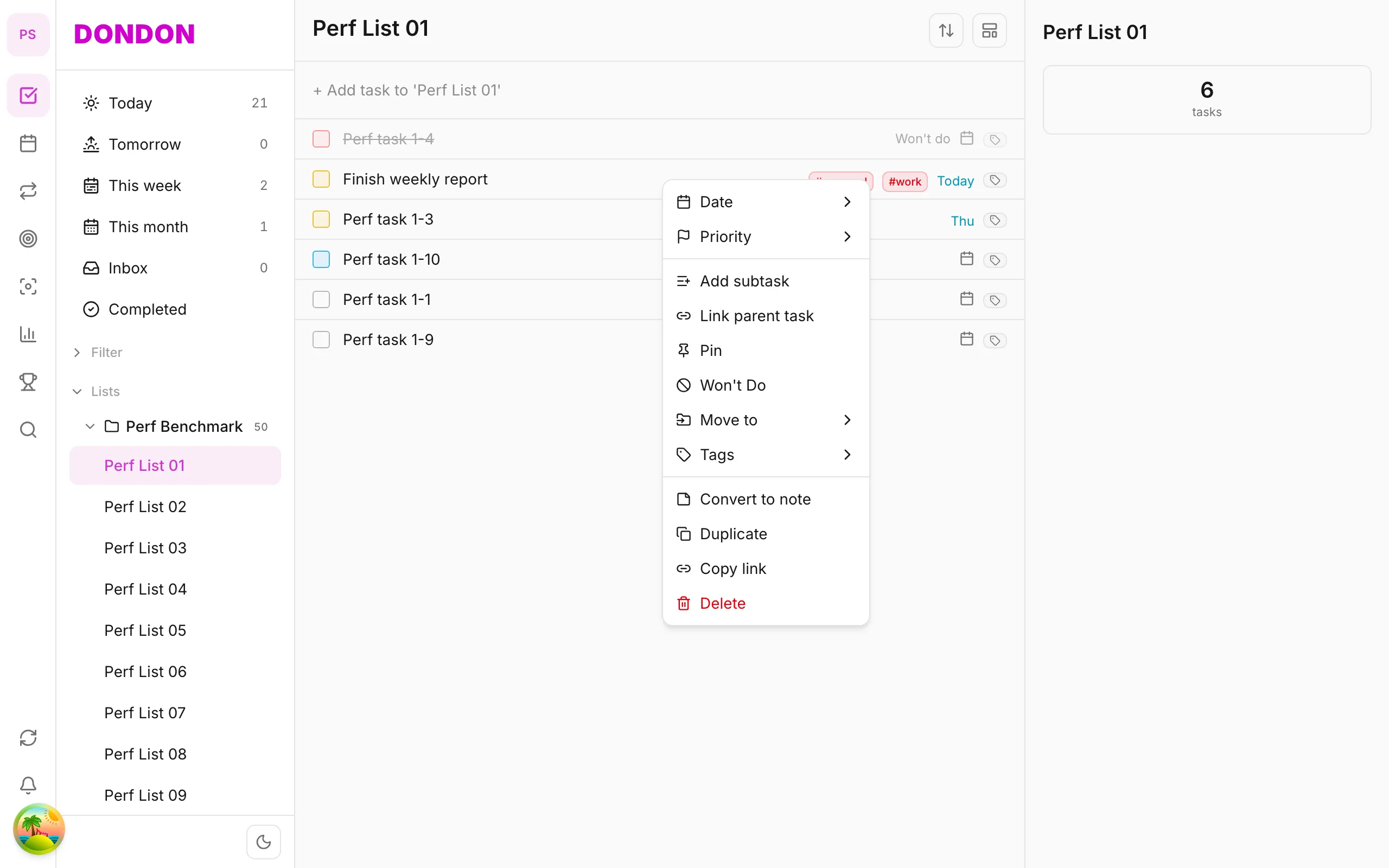
- Long-press a task: context menu (due date, priority, pin, …) — see Task context menu
- Swipe right on a task row: quick Done
- Quick Add pill: add tasks in natural language anytime on Home
On web/desktop: Left icon rail; right-click tasks; ⌘⇧Space opens Quick Add popup.
Related guides
Try DonDon on your phone
Install on iOS (TestFlight) or Android — your account syncs with web. Sign up free if you don’t have an account yet.
Frequently asked questions
- Is DonDon free?
- Yes — you can start on the Free plan with no credit card required.
- How do I install DonDon on iPhone?
- Install via TestFlight (board link). After install, sign in with your email — the same account syncs with web if you also use desktop.
- What's the fastest way to add a task on mobile?
- On the Home tab, use the Quick Add bar (pill at the bottom) and type naturally — e.g. "Team sync 3pm tomorrow #work".
Create a free account and start managing tasks today.
Smart task management — focus on what matters.
Create free account