Goals
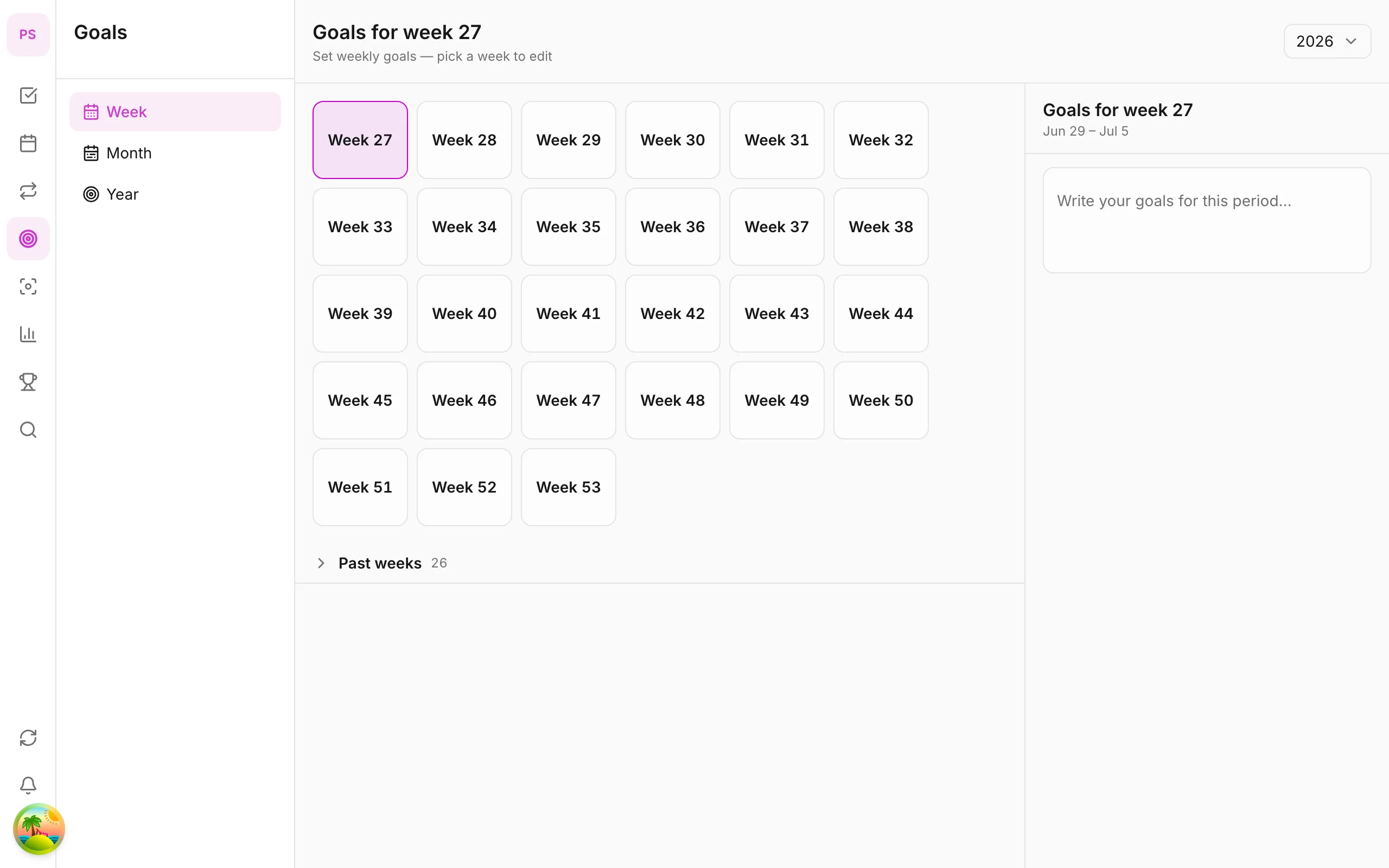
Week, month, year goals on the app
Set multi-period goals and track progress on the Goals tab — goals app for iOS/Android. Week on Free; month/year Premium.
What you’ll learn
- Open the Goals tab and switch Week / Month / Year
- Create week goals on Free
- Link tasks to goals
- Upgrade to month/year goals (Premium)
Before you start
| Platforms | iOS (TestFlight) · Android — primary guide. Web/desktop: footnote at end of section if different. |
| Install | iOS: TestFlight (board link). Android: APK / Play internal when available. |
| Plan | Mixed — week on Free; month/year Premium |
| Prerequisites | Signed in to the app. |
Week goals are included on Free. Month and year goals require Premium.
Steps
1. Open the Goals tab
Tap Goals on the bottom tab bar. Select Week, Month, or Year (Month/Year need Premium).
2. Create a week goal
Tap + Goal, enter your goal — e.g. Finish 5 articles, Work out 4 times. Set measurable criteria if the app supports metrics.
3. Link tasks
From Task detail, attach the related goal. Each completed task contributes to goal progress.
4. Track progress
The progress bar on the goal card updates with tasks. Review at week end — adjust next week’s goals if too hard or too easy.
5. Month & year goals (Premium)
With Premium, create long-term goals — quarterly personal OKRs or year goals. Break down into week goals and specific tasks.
Mobile tips
- Keep 2–3 week goals — focus beats 10 vague ones
- Combine Habits for recurring behavior and Goals for measurable outcomes
- Review goals when planning the week on Calendar (Premium)
Related guides
Try DonDon on your phone
Install on iOS (TestFlight) or Android — your account syncs with web. Sign up free if you don’t have an account yet.
Frequently asked questions
- Are week goals free?
- Yes — week goals are included on the Free plan.
- What plan do month and year goals need?
- Month and year goals require Premium. [See comparison](/en/pricing).
- Can tasks link to goals?
- Yes — link tasks to goals in Task detail so progress updates as you complete work.
Create a free account and start managing tasks today.
Smart task management — focus on what matters.
Create free account