Tasks & lists
Notes in the DonDon app
Create note lists, write notes, and convert task ↔ note — Notes in workspace on iPhone/Android.
Free
What you’ll learn
- Find Notes on mobile
- Create notes with tags and due dates
- Convert task ↔ note
Before you start
| Platforms | iOS (TestFlight) · Android — primary guide. |
| Plan | Free — basic notes |
| Prerequisites | Signed in to the app. |
Steps
1. Open Notes
Tap More → Notes, or Organize menu on Home → create Note list type.
2. Add a note
Tap + Note → enter title and body. Save to sync workspace.
3. Tags and due date
In note detail: attach tags, due date — dated notes may appear in Today (like tasks).
4. Convert task ↔ note
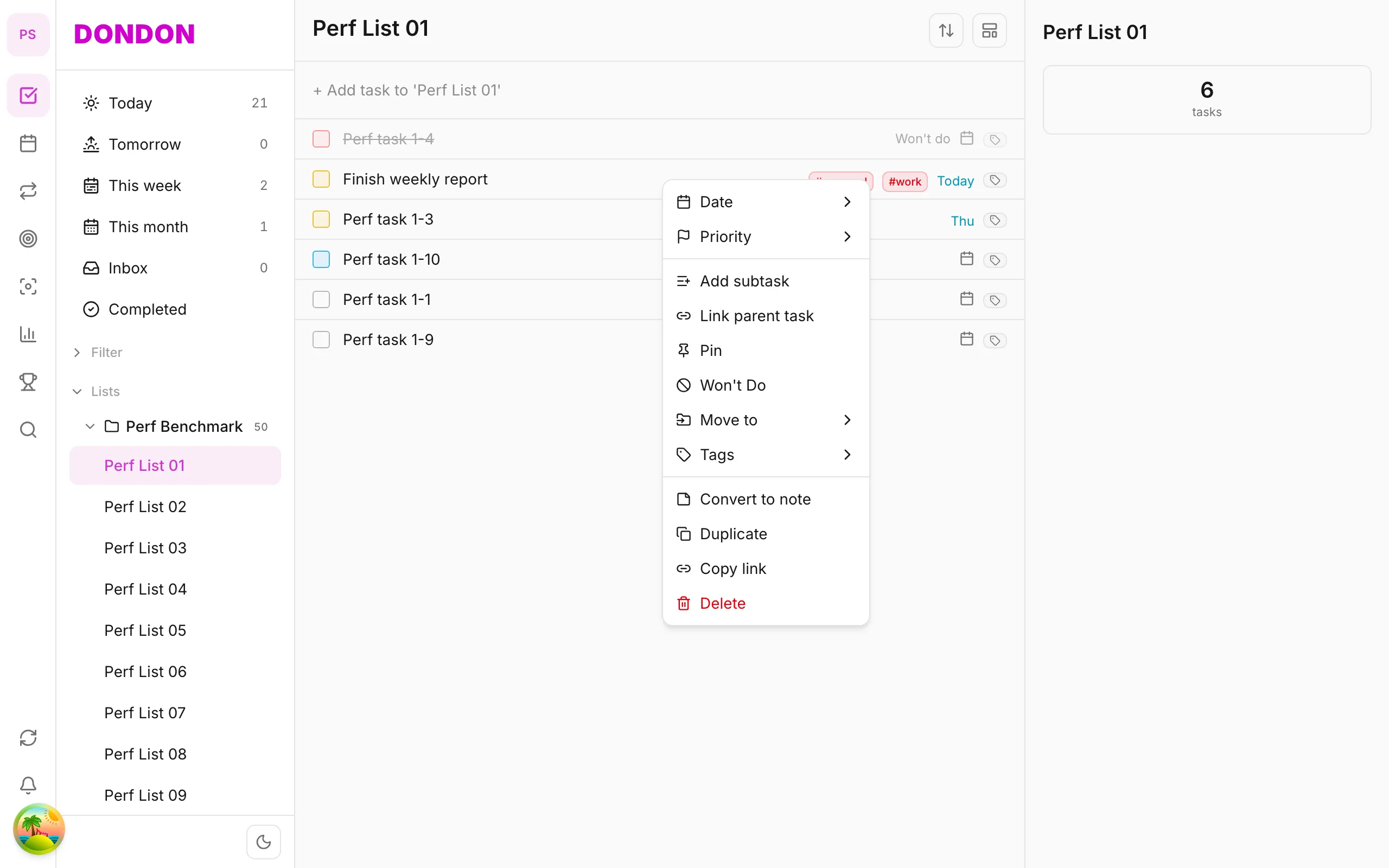
- Task → note: Long-press → Convert to note
- Note → task: note detail → Convert to task (if available in app)
Mobile tips
- Use Search tab to find notes quickly
- Notes UI path — verify with CTO/QA at ship
On web/desktop: Notes on icon rail; sidebar Note lists.
Related guides
Try DonDon on your phone
Install on iOS (TestFlight) or Android. Sign up free if you don’t have an account yet.
Frequently asked questions
- Do Notes need Premium?
- Note lists and basic notes are on Free.
- Where is Notes on mobile?
- **More** → **Notes** or create Note-type list in Organize menu — UI path may vary by version.
- Convert task to note?
- Long-press → **Convert to note** — see [detailed guide](/en/guides/convert-task-to-note/).
Create a free account and start managing tasks today.
Smart task management — focus on what matters.
Create free account