Quick actions
Tag tasks on the app
Add and remove tags via Task detail or long-press — tag management on iPhone/Android.
What you'll learn
- Tag tasks via Task detail or long-press
- Use #tags in Quick Add
- Filter by tag (where available on mobile)
Before you start
| Platforms | iOS (TestFlight) · Android — primary guide. |
| Plan | Free — tags with quota |
| Prerequisites | At least one tag (or create when tagging). |
Steps
1. Open Tags
Tap task → Task detail → Tags.
Or long-press → Tags.
2. Pick or create tag
Sheet shows existing tags — tap to attach. Create new if within quota.
3. Confirm
Tag badge appears on the task row.
4. Remove tag
Reopen Tags sheet → deselect tag.
Mobile tips
- Quick Add:
Team sync #work - Advanced tag filters: Premium — see Smart lists
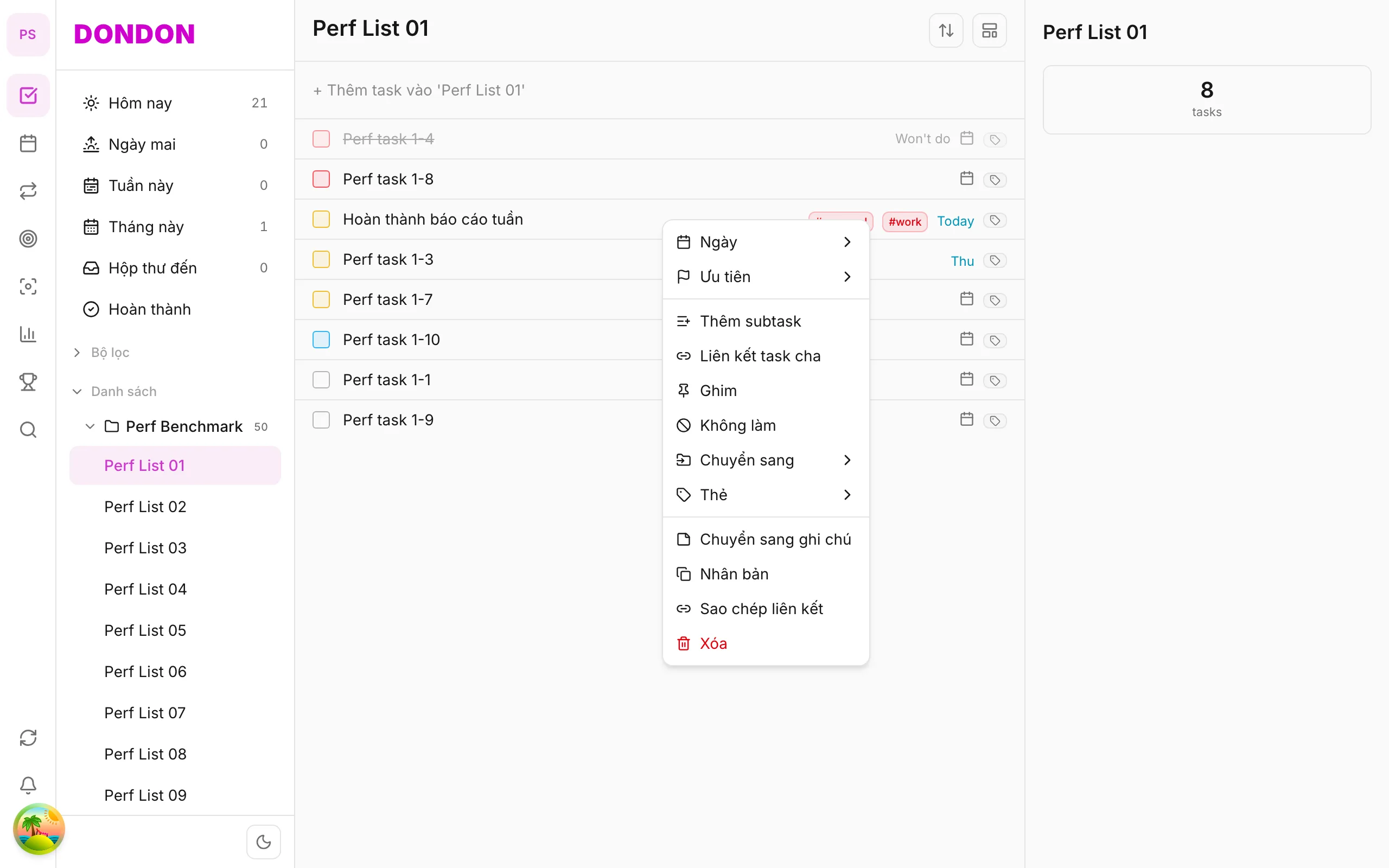
On web/desktop: Right-click → Tags submenu.
When tags help
Lists answer "where does this belong?" and tags answer "what kind of work is this?". A task can be in the list Work and also tagged #calls or #waiting. Tags cut across lists, so you can find all calls, wherever they live.
Good tag ideas
- Context:
#calls,#errands,#computer - Energy:
#deep,#quick - Status:
#waiting,#review
Keep names short and consistent. On the Free plan the number of tags is limited, so choose a few that you will really use.
A worked example
You type Call the bank #calls in quick add. Later, when you have a spare quarter of an hour, you filter by #calls and clear all of them in one go. The same filter works with smart lists on Premium.
Tips
- Use tags for things you will filter on. If you never filter by it, you do not need the tag.
- Rename or merge similar tags (
#calland#calls) early, before they spread. - Combine with quick-add syntax to tag while you capture.
Common mistakes
- Creating a tag for every project. That is what lists are for.
- Using tags with the same meaning as priority.
Related guides
Try DonDon on your phone
Install on iOS (TestFlight) or Android. Sign up free if you don't have an account yet.
Frequently asked questions
- How many tags on Free?
- Free has a tag limit — enough for personal use; Premium expands.
- Tag in Quick Add?
- Type #work or #personal in the Quick Add pill.
- How do I remove a tag?
- Task detail → Tags sheet → deselect tag.
Create a free account and start managing tasks today.
Smart task management — focus on what matters.
Create free account