alternatives
Best TickTick Alternatives in 2026 (Free & Paid)
Looking for a TickTick alternative? Compare Todoist, Microsoft To Do, Any.do, Things 3, Structured, Habitica and DonDon on price, habits and AI.
Why people look for a TickTick alternative
TickTick is a capable, popular all-in-one app: tasks, calendar views, habits, a Pomodoro timer and an Eisenhower matrix in one place. It is also why people look elsewhere. The common reasons are:
- Price. Premium unlocks calendar views, more reminders and higher limits. Reviews in 2026 report anywhere from about $36 to $50 per year, and the figures disagree, so check TickTick's own upgrade page.
- Too much in one app. Some people want a quieter tool.
- AI. They want AI help, but not another bundled subscription.
- Privacy. They would rather use their own AI provider than send task text through a third party.
This guide compares eight alternatives honestly, including DonDon (our own app, so read that section with that in mind).
Prices below are publicly reported figures checked on 2 November 2026. They change often and sources sometimes disagree, so confirm on each vendor's pricing page before you buy.
What to look for
Before comparing apps, decide which of these you actually use:
- Habits – do you need streaks and check-ins next to your tasks?
- Calendar and time blocking – do you plan by dragging tasks onto a day?
- Natural-language quick add – "Call Sam Friday 9am #work".
- Platforms – web, desktop, iOS, Android. Some apps are Apple-only.
- AI – bundled, bring-your-own-key, or none.
- Sharing – do you collaborate on lists with other people?
Comparison table
| App | Best for | Reported price | Habits | Calendar | AI | Platforms |
|---|---|---|---|---|---|---|
| DonDon | Tasks + habits + goals + focus, own-key AI | Free; Premium $1.99/mo or $11.99/yr | Yes | Premium | Optional, your own key | Web, desktop, iOS, Android |
| Todoist | Clean lists, huge integration list | Free; Pro roughly $60/yr | No dedicated habits | Yes | Add-ons vary | Web, desktop, mobile |
| Microsoft To Do | Free, simple lists | Free | No | Basic (My Day) | Copilot elsewhere in Microsoft 365 | Web, desktop, mobile |
| Any.do | Daily planning with calendar | Free; Premium roughly $5–8/mo | Limited | Yes | Premium features | Web, desktop, mobile |
| Things 3 | Beautiful Apple-only to-dos | One-time purchase (Mac $49.99, iPhone $9.99, iPad $19.99) | No | Basic | None | Apple only |
| Structured | Visual day timeline | Free; Pro roughly $10–20/yr or monthly | No | Timeline | None | See vendor |
| Notion | Build your own system | Free; paid from about $10/member/mo | DIY | DIY | Paid add-on or plan | Web, desktop, mobile |
| Habitica | Habits as an RPG | Free; subscription about $4.99/mo | Yes (gamified) | No | None | Web, mobile |
The alternatives, one by one
1. DonDon – tasks, habits, goals and focus with AI on your key
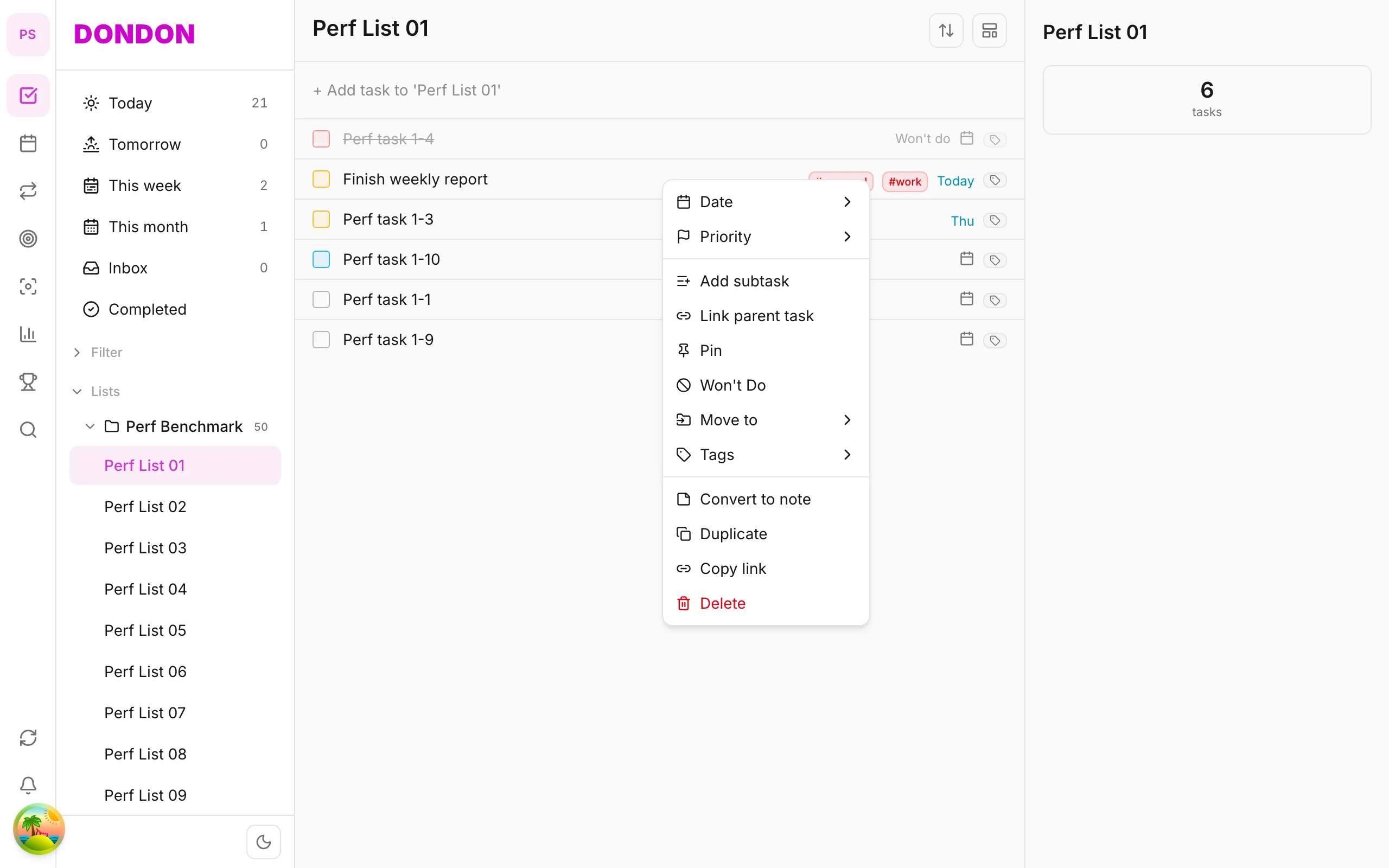
DonDon puts tasks, habits, week/month/year goals, a Pomodoro timer and a calendar into one workspace. The free plan includes natural-language quick-add, lists, habits (one), week goals, achievements and the basic timer. Premium ($1.99/month or $11.99/year) adds the calendar with time blocking, subtasks, repeating tasks, custom filters, month/year goals, up to 50 habits, focus sounds and a companion pet.
AI is optional and off until you turn it on. You paste a key for Claude, OpenAI or Gemini, or point it at a local model such as Ollama, and requests go straight from your device to that provider. See what BYOK means.
Where TickTick is better: TickTick has a longer track record, more integrations and shared lists. DonDon is built for individuals today: there is no list sharing or team collaboration, and no bulk importer, so expect to recreate your lists by hand.
2. Todoist – the clean, dependable list
Todoist is the benchmark for fast capture and clean projects, with a very large integration catalogue. It has no dedicated habit tracker, and Pro pricing went up in late 2025 (current reports: about $60 per year on annual billing). Read our Todoist alternatives for the reverse comparison.
3. Microsoft To Do – free and simple
If you live in Microsoft 365, To Do is free and tidy with My Day and shared lists. It deliberately keeps features light: no habits, no goals, no built-in focus timer.
4. Any.do – calendar-first daily planning
Any.do mixes tasks with a daily planner and calendar. Several useful features, including recurring tasks, are locked behind Premium on the free plan, so test the free tier against your real routine.
5. Things 3 – polished and Apple-only
Things is loved for design and a one-time price per device (Mac, iPhone and iPad are sold separately). If you are all-in on Apple and want no subscription, it is hard to beat. It has no Android or Windows version.
6. Structured – a visual timeline of your day
Structured shows your tasks and events on a vertical timeline, which suits people who think in blocks of time. Pricing varies by region and listing, so check the app store page.
7. Notion – build it yourself
Notion can become a task manager and habit tracker, but you build and maintain the system. Great for tinkerers; slower for quick capture. See Notion vs a dedicated app.
8. Habitica – when habits need game mechanics
Habitica turns habits and to-dos into an RPG. It is fun if gamification motivates you and cluttered if you just want a quiet list. Compare Habitica alternatives.
Which one should you choose?
- Free and simple: Microsoft To Do.
- Best integrations and polish: Todoist.
- Apple-only, no subscription: Things 3.
- Time-blocking by timeline: Structured.
- Tasks + habits + goals + focus, with AI on your own key: DonDon.
How we evaluated these apps
We judged each app on what a TickTick user actually relies on day to day, not on a feature checklist:
- Capture speed. How many seconds from "I need to remember this" to a saved task?
- Daily view. Does the home screen tell you what to do today, including habits?
- Planning depth. Can you move from a list to a calendar when a day gets crowded?
- Free-tier honesty. What does the free plan really include, and what is quietly locked?
- Where your data and AI requests go. Vendor servers, your own provider, or your own machine?
- Switching cost. Can you leave later without losing everything?
No app wins every row. The right pick depends on which rows matter to you.
Switching from TickTick without losing a week
Moving apps is where most people give up, so plan it:
Step 1: decide what to bring. Most people have a few active lists and years of archived tasks they never open. Bring the active lists only. Archive the rest in a CSV or screenshot.
Step 2: export what you can. Use TickTick's backup or export option so you have a record. Check whether your new app can import it; many cannot import every field (repeat rules and habit history are the usual losses).
Step 3: rebuild habits deliberately. Habit history rarely transfers. Re-create only the habits you still do, and start a fresh streak. A broken streak feels bad for a day; carrying a habit you no longer do feels bad for months.
Step 4: run both for a week. Keep TickTick open as read-only while you use the new app for new tasks. After seven days, check what you still opened TickTick for. That is the feature you cannot live without.
Step 5: rebuild two or three filters, not twenty. Heavy filter users should write down their three most used saved filters and recreate those first.
Who should stay on TickTick
Be honest about it. You probably should not switch if:
- You rely on shared lists with family or colleagues. Several alternatives here, including DonDon, are built for individuals today.
- You use many integrations and calendar subscriptions that took years to set up.
- You are happy and price is the only irritation. A few dollars a year is rarely worth a migration.
Who should look at DonDon specifically
DonDon is a good fit if you want tasks, habits, week/month/year goals and a focus timer in a quiet interface, you are comfortable with a younger product, and you like the idea of AI that runs on your own key or a local model instead of a bundled add-on. It is a poorer fit if you need team features, a large integration catalogue or a bulk importer from day one.
Practical limits to know before you try it:
- Free includes 3 lists, 1 habit and 3 tags. That is enough to evaluate the app, not to run a full system.
- The calendar, time blocking, subtasks, repeat rules, custom filters, month/year goals, advanced task views and the companion pet are Premium.
- AI features need you to supply a provider key or run a local model.
Mistakes people make when comparing apps
- Comparing price per month instead of the whole year. A $1.99 plan and a $4 plan sound similar until you multiply by twelve.
- Judging from screenshots. Spend one real working day in each shortlisted app before deciding.
- Counting features you will never use. If you have never opened the Eisenhower view in TickTick, do not weigh it in your decision.
- Ignoring where AI runs. Bundled AI is convenient, but your task text goes through the vendor. Bring-your-own-key and local models change that trade-off. See what BYOK means.
- Forgetting mobile. A great desktop app with a weak phone app will not stick if you capture tasks on the go.
A quick decision flow
- Do you need shared lists? Yes: stay with TickTick, Todoist or Microsoft To Do.
- Are you all-in on Apple and want no subscription? Yes: Things 3.
- Do you want the cheapest reliable free option? Yes: Microsoft To Do.
- Do you want tasks, habits, goals and a timer with optional AI you control? Yes: try DonDon's Free plan for a week.
- Do you want to build your own system? Yes: Notion.
Try DonDon free
DonDon's Free plan includes quick-add, habits, week goals and a Pomodoro timer. See the platforms and downloads and the full Free vs Premium comparison.
Frequently asked questions
- What is the best free alternative to TickTick?
- Microsoft To Do is the most generous fully free option for plain lists. If you want habits, goals and a Pomodoro timer on a free plan, DonDon's Free plan includes them with limits (3 lists, 1 habit, 3 tags).
- Is there a TickTick alternative with AI?
- Yes. DonDon offers optional AI (quick-add, task breakdown, auto-scheduling, weekly review) that runs on your own API key, so you pay your AI provider directly instead of a bundled AI fee.
- Why do people leave TickTick?
- The reasons we hear most are price changes, wanting a cleaner interface, wanting AI features without a bundled subscription, and wanting data to stay on their own device or provider account.
Create a free account and start managing tasks today.
Smart task management — focus on what matters.
Create free account