alternatives
Motion App Alternatives: AI Scheduling for Less
Motion, Reclaim, Sunsama and Akiflow cost $15–$50 a month. Compare AI scheduling alternatives, including DonDon's bring-your-own-key approach.
What Motion does, and why it costs what it does
Motion pioneered the "AI that rebuilds your calendar for you" category: it takes tasks, deadlines and meetings, then schedules and reschedules them automatically. That continuous re-planning is a hosted service, which is why plans have historically been priced well above a normal to-do app. Reports in 2026 put individual plans anywhere from about $19 to $49 a month depending on billing period and plan name, and sources disagree, so check usemotion.com.
Figures here are publicly reported as of 2 November 2026 and change often.
Alternatives at a glance
| App | Approach | Reported price | Free tier |
|---|---|---|---|
| Reclaim | Auto-defends focus time and habits on your Google/Outlook calendar | Free tier; paid roughly $8–18/user/mo | Yes |
| Sunsama | Guided daily planning ritual | Roughly $16–25/mo | No (trial) |
| Akiflow | Time blocking with a task inbox | About $19/mo billed yearly, $34 monthly | No (trial) |
| Morgen | Calendar + tasks + AI planner | Pro about $15/mo yearly, $30 monthly | Limited |
| DonDon | Tasks, habits, goals; AI suggestions on your own key | Free; $1.99/mo or $11.99/yr | Yes |
See individual write-ups: Reclaim alternatives, Sunsama alternatives, Akiflow alternatives.
Two different ideas of "AI scheduling"
1. Autonomous re-planning (Motion, Reclaim). The service watches your calendar and moves things for you. Best when your day changes constantly and you want the tool to absorb the chaos. Cost is a higher monthly fee.
2. Assisted planning you approve (Sunsama, DonDon). You decide; AI helps. In DonDon you can type a messy sentence, let your model break a large task into steps, then ask it to propose time blocks that you accept or edit.
How DonDon's BYOK model changes the cost
DonDon is $1.99/month or $11.99/year for Premium. AI is a separate, optional layer:
- You paste your own key (Claude, OpenAI, Gemini) or point DonDon at a local model such as Ollama.
- Requests go from your device to that provider; nothing passes through DonDon's servers.
- You pay the provider only for what you use. A light planning routine typically uses small amounts of tokens, but your real cost depends on the model you pick.
For a typical user who plans once a day this is usually cheaper than a flat $20–50 subscription. If you re-plan dozens of times a day on a premium model it can add up, so set a spend cap with your provider.
What it cannot do: DonDon does not continuously watch and re-shuffle your calendar. Time blocking itself is a Premium feature, and AI placement is a suggestion that you review.
Do you actually need autonomous scheduling?
Autonomous schedulers solve one specific problem: your day changes constantly and you do not want to rebuild the plan by hand. That is valuable for people with many meetings, shifting deadlines or a manager who reprioritises daily. It is much less valuable if your week is predictable.
Ask yourself three questions:
- How often does my plan change? Daily changes justify automation. Weekly changes usually do not.
- How many tasks have hard deadlines? Deadlines are what schedulers optimise for.
- Do I trust software to move my commitments? Some people find an automatically reshuffled calendar stressful because they stop knowing what is planned.
If you answered "rarely, few, and no", an assisted planner is probably enough and costs far less.
What you are really paying for
Autonomous scheduling combines three things:
- A scheduling engine that knows your tasks, durations, deadlines and calendar.
- Hosted infrastructure that runs continuously and syncs with your calendar.
- AI features layered on top, often metered by credits.
A bring-your-own-key planner removes the third cost from the subscription and lets you decide how much AI to use. It does not replace the first two. That is why DonDon is honest about what it is: a planner with optional AI suggestions, not a background engine that keeps re-optimising your week.
A realistic assisted workflow with AI
Here is how people use assisted planning without a continuous engine, in about five minutes each morning:
- List everything for today with rough durations, including meetings.
- Ask your model for a schedule using constraints: working hours, when you focus best, a buffer rule ("leave 20% free"), and what to drop first.
- Review and adjust. AI often under-estimates how long writing and admin take. Add 25%.
- Commit the plan to the calendar as blocks. In DonDon the calendar and time blocking are Premium.
- Re-plan once after the first big interruption, not every time something moves.
Doing it this way keeps you in control, and costs a few small requests a day instead of a flat high monthly fee.
Cost scenarios
The numbers below are illustrative, not quotes. Check your provider's current pricing.
| Pattern | What drives cost | Likely outcome |
|---|---|---|
| Plan once a day with a small, fast model | A few thousand tokens a day | Very low per month |
| Plan, break down tasks and review weekly | Tens of thousands of tokens a week | Still modest |
| Re-plan dozens of times daily on a frontier model | Heavy, repeated context | Can exceed a flat subscription |
| Local model (for example via Ollama) | Hardware and electricity | No per-request fee |
Set a monthly cap with your provider so a runaway loop cannot surprise you.
Privacy and data
Autonomous services need access to your calendar and tasks, so that data lives on their servers. With a bring-your-own-key design the AI request goes from your device straight to the provider you chose, and with a local model it stays on your machine. Your tasks still sync with DonDon's own servers like any cloud app; the difference is the AI step. See local AI with Ollama.
Quick recommendations
- Calendar is chaos and budget is flexible: Motion or Reclaim.
- You want a daily ritual and can pay: Sunsama.
- You want to try AI planning for the cost of a small subscription: DonDon on your own key.
- You are not sure: run the manual workflow above for a week first. If you keep wanting the app to do it for you, that is your signal to pay for automation.
Which should you choose?
- You want zero-effort autonomous rescheduling: Motion or Reclaim.
- You want a calm daily ritual: Sunsama.
- You want cheap, private, AI you control: DonDon.
Learn more in best AI task manager apps and the free AI day planner guide.
Frequently asked questions
- Is there a cheaper alternative to Motion?
- Yes. Reclaim has a free tier and low per-seat prices, Morgen and Akiflow sit in the middle, and DonDon charges $1.99/month plus your own AI usage if you enable AI.
- What does BYOK mean for AI scheduling?
- Bring your own key means you paste an API key from Claude, OpenAI, Gemini or run a local model. The app sends requests straight from your device to that provider, and you pay the provider for usage.
- Does DonDon auto-schedule like Motion?
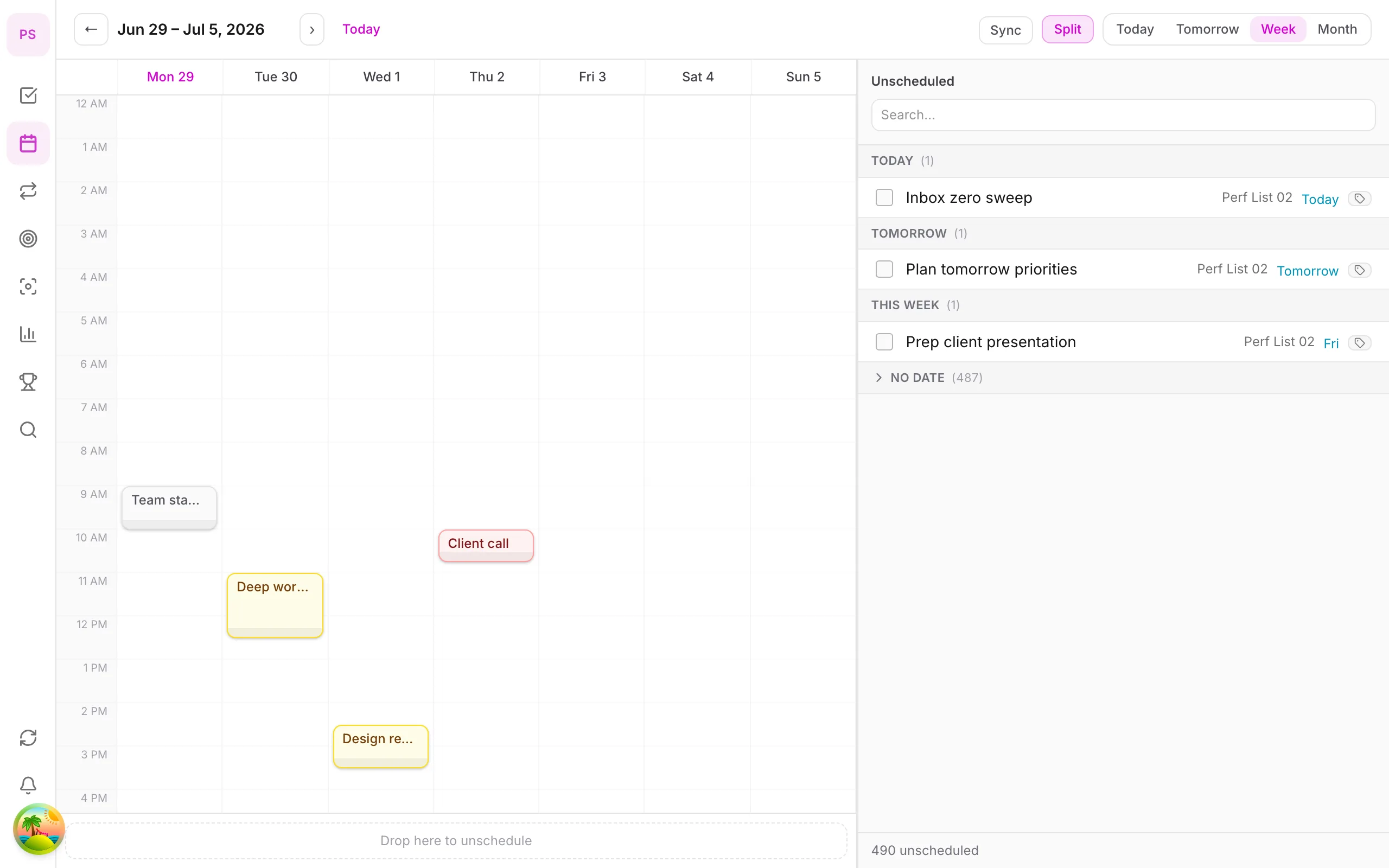
- DonDon can ask your AI model to place tasks into calendar time blocks. It is a suggestion you review, not a fully autonomous scheduler that continuously re-plans your whole day.
Create a free account and start managing tasks today.
Smart task management — focus on what matters.
Create free account