alternatives
Akiflow Alternatives (2026): Time Blocking for Less
Akiflow costs about $19 a month billed yearly and has no free plan. Compare Sunsama, Morgen, Motion, Todoist, TickTick and DonDon.
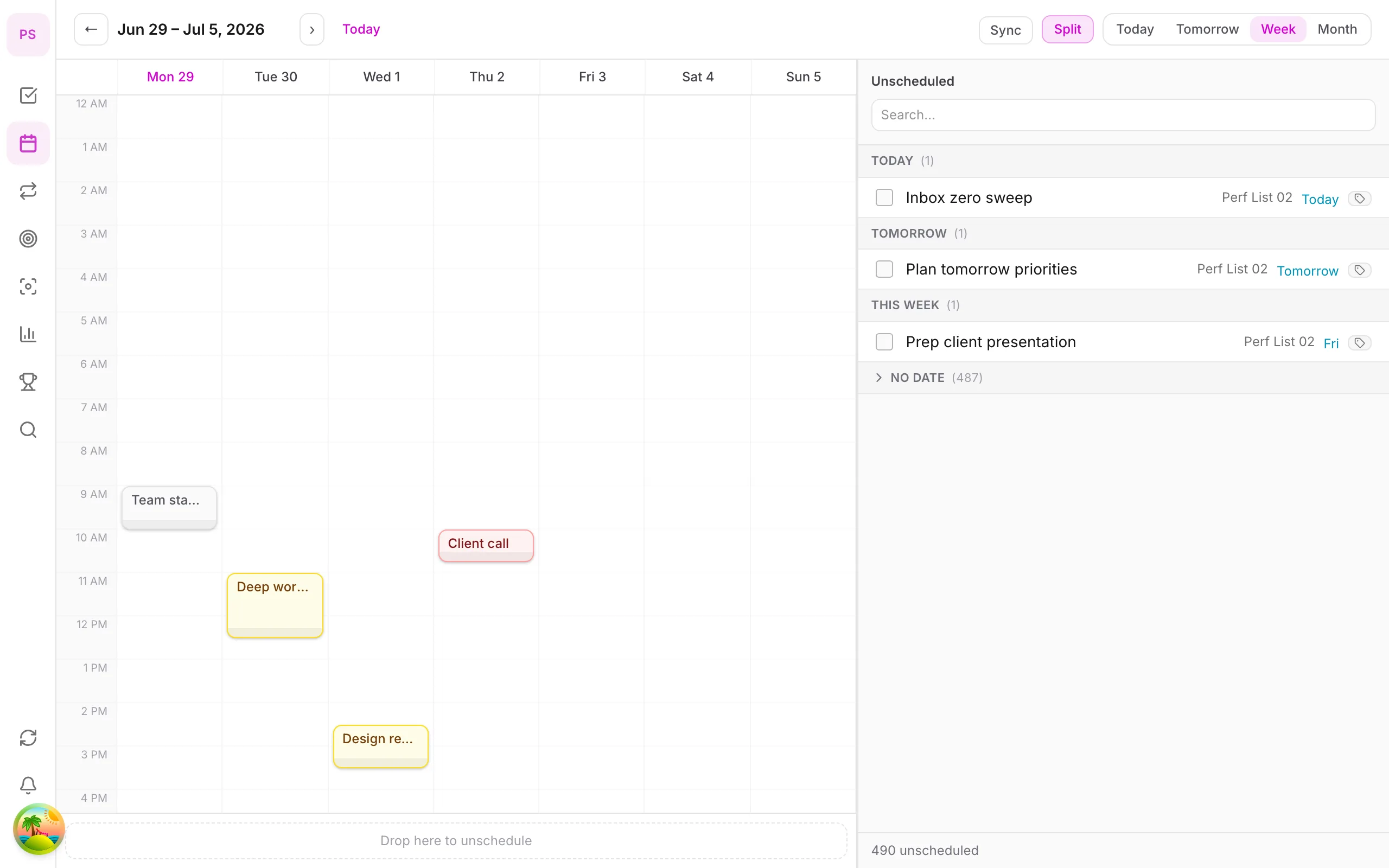
What Akiflow does
Akiflow collects tasks from your other tools (email, chat, project trackers) into one inbox, then lets you time block them onto your calendar. It targets people who juggle many sources of work. Most reports in 2026 put it at about $19 a month billed yearly ($228 a year) or $34 billed monthly, with a short free trial and no permanent free plan.
Prices checked 2 November 2026; sources vary, so confirm on the vendor's site.
Why people look elsewhere
- Price for a personal planner.
- No free plan.
- Needing habits, goals or a focus timer in the same app.
- Wanting AI they control.
Alternatives compared
| App | Strength | Reported price | Free start |
|---|---|---|---|
| Sunsama | Guided daily planning | Roughly $16–25/mo | Trial |
| Morgen | Calendar-first planner with AI | Pro about $15/mo yearly | Limited |
| Motion | Autonomous scheduling | Roughly $19–49/mo | Trial |
| Todoist | Clean lists + integrations | Free; Pro about $60/yr | Yes |
| TickTick | Tasks, habits, calendar | About $36–50/yr | Yes |
| DonDon | Tasks, habits, goals, time blocks | Free; $1.99/mo or $11.99/yr | Yes |
See also: Sunsama alternatives, Motion alternatives and Reclaim alternatives.
Time blocking at a lower price
If your sources of work are limited, you may not need a universal inbox. A simple setup is:
- Capture in one app (quick-add with natural language).
- Block time on a calendar you already use, or the planner's own.
- Review daily.
DonDon's calendar and time blocking are Premium at $1.99/month or $11.99/year. Drag a task to a slot, set its duration, and use the Pomodoro timer for the session. You can optionally ask your own AI model to suggest blocks.
Where DonDon is weaker than Akiflow: no multi-tool task inbox, a much smaller integration list, no team use today, and external calendar sync is limited to two accounts on Premium.
The "everything inbox" idea
Akiflow's distinctive bet is that work arrives from many places (email, chat, project tools, notes) and you need one place to triage it. The workflow is:
- Collect tasks from your tools into one inbox.
- Triage daily: delete, defer or schedule.
- Time block the ones you will do.
- Review at the end of the day.
This is valuable if you really do have scattered inputs. If most of your work arrives in one or two places, the collecting step adds little and the price is hard to justify.
Check whether you need a universal inbox
Count where your tasks come from in a typical week:
| Source | Tasks per week |
|---|---|
| ? | |
| Chat apps | ? |
| Project tool | ? |
| Meetings | ? |
| Your own ideas | ? |
If more than three sources each produce a meaningful number of tasks, a universal inbox may pay for itself. If you mostly create your own tasks, a simple planner is enough.
Other ways to handle scattered work
You can approximate the inbox idea without paying:
- Forward or copy important items into a single capture app, with natural-language quick-add for dates.
- Use one daily capture time (for example mid-morning and end of day) instead of capturing in real time.
- Make a rule: if it takes under two minutes, do it; otherwise capture it.
It is manual, but it keeps you in the habit of triaging, which is the real value of the method.
Time blocking without an inbox
If time blocking is what attracted you, you can do it in a planner with a calendar:
- Decide your top three tasks.
- Estimate durations and add a quarter.
- Drag them into blocks on the calendar.
- Start a focus session at the block's start.
- Review the blocks you kept and adjust.
In DonDon this uses the Premium calendar and the built-in Pomodoro timer. For the method itself, see the time blocking guide.
Comparing price to what you use
A useful calculation: divide the yearly price by the number of days you actually plan in the app.
- A $228 yearly plan used 250 days costs about $0.91 a day.
- A $11.99 yearly plan used 250 days costs under five cents a day.
Cost per use is more telling than the headline price. If a tool saves you an hour a week, $228 may be a bargain; if you open it twice a month, it is not.
When to stay with Akiflow
- You really do collect tasks from many tools.
- You value its triage workflow.
- Your employer reimburses the cost.
When to try something else
- You mostly manage your own tasks.
- You want habits, goals and a focus timer in the same app.
- You want to control which AI model sees your tasks.
- Price is the main objection.
Compare options in best time blocking apps, or if you are weighing ritual-style tools, Sunsama alternatives.
Choosing
- Many tools feeding one inbox: Akiflow is built for that.
- A calm ritual: Sunsama.
- Personal tasks, habits, goals and focus at a low price: DonDon.
See best time blocking apps and the time blocking guide. Compare plans on pricing.
Frequently asked questions
- Is there a free alternative to Akiflow?
- Akiflow offers a trial but no permanent free plan. Free-start alternatives include TickTick, Todoist and DonDon, though time blocking is paid in most of them, including DonDon (Premium).
- How much does Akiflow cost?
- Most 2026 sources report about $19 a month billed yearly or $34 billed monthly. Confirm on akiflow.com.
- What does Akiflow do that DonDon does not?
- Akiflow focuses on pulling tasks from many tools into one inbox. DonDon is a self-contained personal planner with fewer integrations and no team features today.
Create a free account and start managing tasks today.
Smart task management — focus on what matters.
Create free account