Quick actions
Duplicate a task on the app
Create a copy in the same list via long-press → Duplicate — save time on iPhone/Android.
What you'll learn
- Duplicate tasks with long-press
- Edit the copy after creation
- Use for recurring work templates
Before you start
| Platforms | iOS (TestFlight) · Android — primary guide. |
| Plan | Free |
| Prerequisites | Source task on Home tab. |
Steps
1. Long-press source task
Long-press the template task.
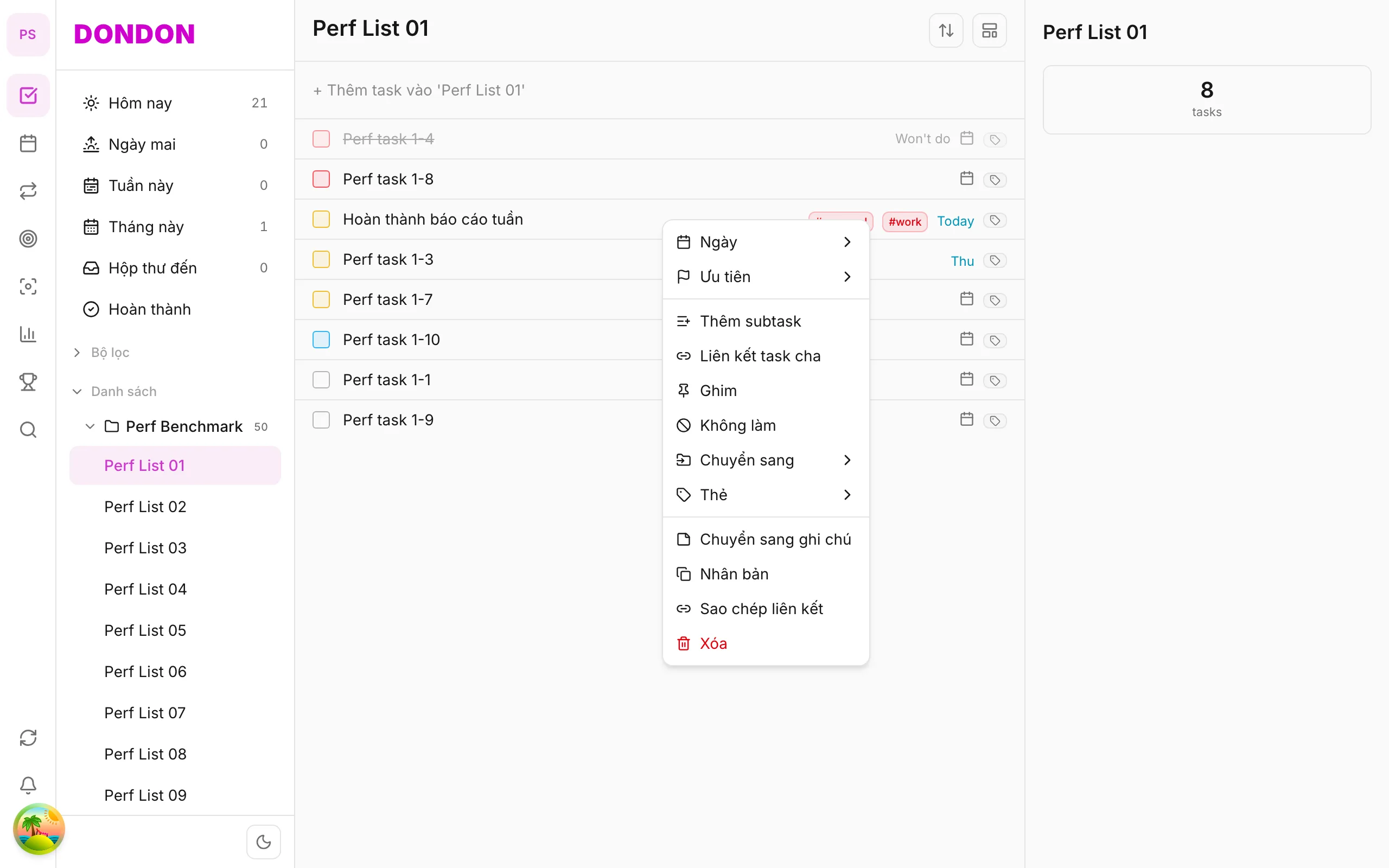
2. Tap Duplicate
Tap Duplicate. Copy appears below (or at list top).
3. Edit copy
Tap copy → Task detail → change name, date, list if needed.
Mobile tips
- Scheduled recurrence: use Repeat (Premium) instead of manual duplicate
- Weekly review template: duplicate checklist task
On web/desktop: Right-click → Duplicate.
When duplicating helps
Some work repeats without a fixed schedule: a client onboarding checklist, a trip packing task, a monthly report you build from the same outline. Duplicating gives you a copy with the same title and settings, so you only change what differs.
A worked example
You keep a task called "Weekly review checklist" with notes about what to cover. At the end of each week, duplicate it, rename the copy with the new date, set the due date to Friday and start working. The original stays as your template.
Duplicate, repeat or habit?
- Duplicate is manual and flexible. Good for one-off copies.
- Repeat (Premium) creates the next instance automatically on a schedule.
- Habits suit daily routines you want to check off and keep a streak for.
Common mistakes
- Editing the template instead of the copy. After duplicating, open the new task and change it, not the source.
- Duplicating to schedule a series. If you need the same task every week, use Repeat or a habit so you do not have to remember.
Related guides
Try DonDon on your phone
Install on iOS (TestFlight) or Android. Sign up free if you don't have an account yet.
Frequently asked questions
- Does the copy keep tags and priority?
- Usually yes — metadata copies from source (except Done state).
- Duplicate to another list?
- Duplicate in same list first, then [move to list](/guides/move-task-to-list/).
Create a free account and start managing tasks today.
Smart task management — focus on what matters.
Create free account