best-of
Best Free To-Do Apps with a Calendar (2026)
Free to-do apps that include a calendar view: Microsoft To Do, TickTick, Todoist, Any.do, Notion and DonDon. What's free, what's locked behind paid plans.
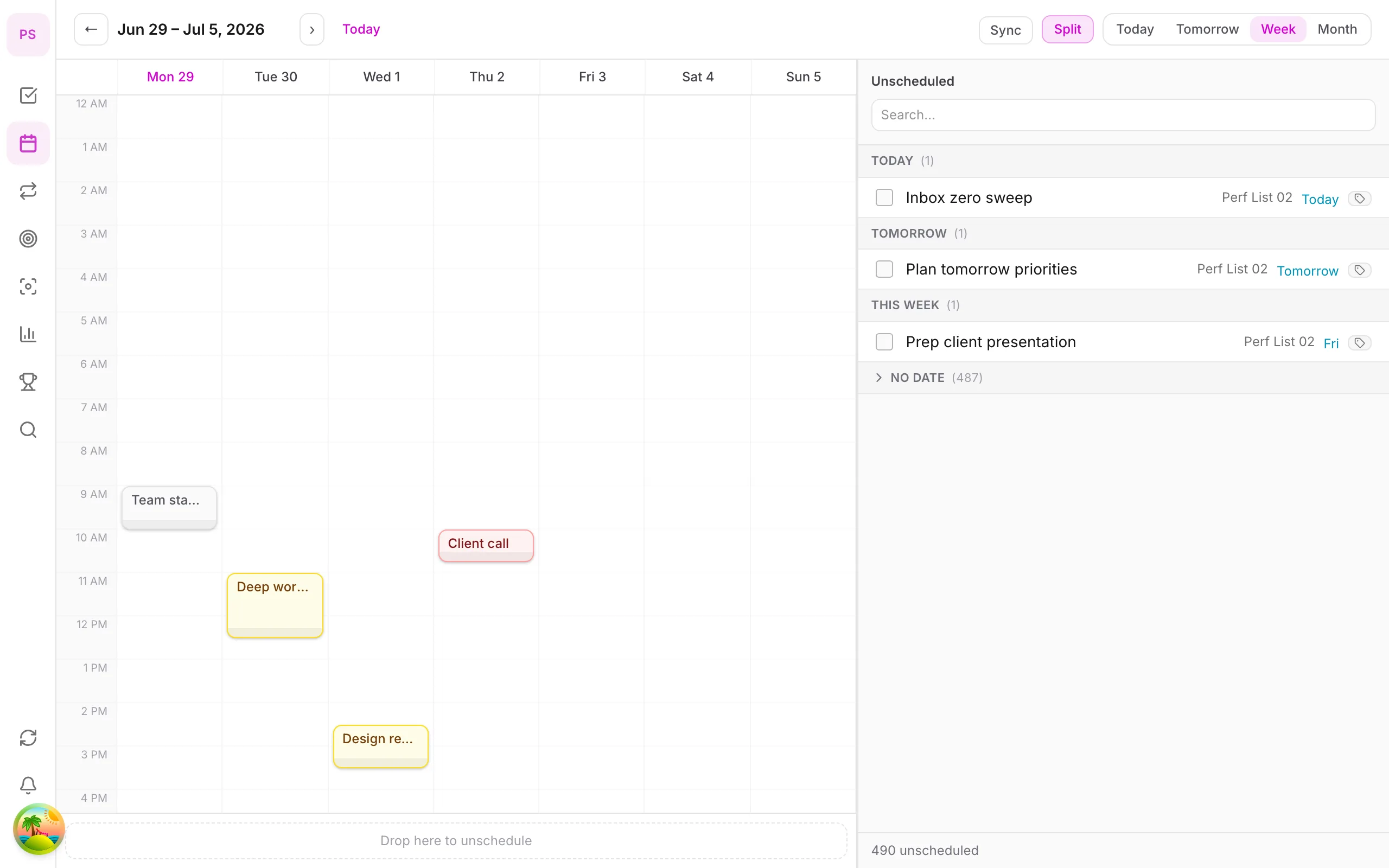
The catch with "free calendar"
Almost every task manager advertises a calendar, but the free tier often limits it: fewer views, no sync with Google or Outlook, or the calendar view itself is locked. Check these three things before committing:
- Can I see tasks on a calendar view for free?
- Can I sync with my existing calendar?
- Can I drag tasks to set a time (time blocking)?
Free-tier details change often; this comparison reflects public information checked on 2 November 2026. Confirm on each vendor's page.
Comparison
| App | Free tasks | Calendar on free? | Paid calendar features |
|---|---|---|---|
| Microsoft To Do | Yes, unlimited | Basic (My Day, due dates) | Part of Microsoft 365 ecosystem |
| TickTick | Yes, with limits | Basic | Premium calendar views |
| Todoist | Yes, with limits | Upcoming view, calendar layout varies | Paid for more |
| Any.do | Yes, limited | Some | Premium extras |
| Notion | Yes | DIY calendar views | Plans add more |
| DonDon | Yes (3 lists, 1 habit, 3 tags) | No | Calendar and time blocking: Premium |
What to pick
You just want due dates on a calendar
Microsoft To Do or any list app plus Google Calendar is plenty and free.
You want tasks and events in one place
TickTick or a paid calendar-first tool such as Morgen. See best time blocking apps.
You want tasks, habits and goals first, calendar later
DonDon's Free plan covers quick-add, lists, habits (one), week goals, achievements and the Pomodoro timer. Add Premium only if you want the calendar and time blocking.
Honest summary for DonDon
If a free calendar view is your priority, DonDon is not the right choice on the free tier. If you want a lower-cost app with a calendar once you upgrade ($11.99 a year), it may be.
What Premium adds: calendar (day, tomorrow, week, month), time blocking, external calendar sync (up to two accounts), subtasks, custom filters, repeat, month/year goals, up to 50 habits, focus sounds and the companion pet.
See calendar and time block and pricing.
How tasks and calendars can relate
"Task app with calendar" can mean four different things. Know which you want.
- Due dates on a calendar. Tasks appear on the day they are due. Good for deadlines.
- Time blocks. Tasks have start times and durations and look like events. Good for planning your day.
- Two-way sync. Tasks and events live together with an external calendar such as Google or Outlook.
- Calendar-first scheduling. The tool places tasks into free time for you.
Free plans usually cover the first. The others are often paid, because syncing and scheduling are costlier to build and run.
Check these questions before relying on a free plan
- Is the calendar view itself available, or only the list?
- Can I see events from my existing calendar?
- Can I drag tasks to set a time?
- Is recurring behaviour included? Many apps put recurring tasks behind a paywall.
- Are there limits on the number of lists, reminders or projects?
- Does it work on all my devices on the free plan?
Write your answers down for your shortlisted apps. The differences are bigger than the marketing suggests.
A free workflow that works today
If you need a calendar and a to-do list and want to pay nothing:
- Keep events in Google Calendar, Apple Calendar or Outlook.
- Keep tasks in a free app of your choice.
- Each morning, copy the top three tasks into your calendar as blocks of 30 to 90 minutes.
- At the end of the day, mark what is done and move the rest.
It takes a couple of minutes and gives you most of the benefit of a paid planner. Once the copying feels like the bottleneck, that is the moment to pay.
Choosing by situation
Student. Deadlines plus classes. Any list app plus your timetable in a calendar. See best planner apps for students.
Office worker with many meetings. Calendar and tasks need to be unified, which usually means a paid tool or a Microsoft or Google ecosystem.
Freelancer. Client deadlines and invoicing. A list app with reminders and a calendar for billable blocks.
Parent or carer. Shared calendars matter most. Choose tools your household can share.
About DonDon's free plan and calendar
To be clear about what you get: DonDon's Free plan includes quick-add with natural-language dates, tasks, up to three lists, one habit, week goals, achievements, a basic Pomodoro timer and syncing across devices. The calendar view and time blocking are Premium, along with external calendar sync, subtasks, repeat tasks and advanced task views.
That means DonDon's Free plan is a good task and habit app, not a free calendar planner. If you want one, use the free workflow above, then upgrade when you want the calendar integrated. You can try this with the time blocking guide and compare best time blocking apps.
Red flags in free plans
- A calendar view that is visible but locked.
- Free tiers with a very low limit on tasks or lists that you will hit in a week.
- Required upgrade for basic reminders.
- No export, which makes leaving harder.
Check the vendor's current plan page, because limits change.
A free setup that works
- Use Google Calendar for events.
- Use a free list app (Microsoft To Do, TickTick Free, or DonDon Free) for tasks.
- Once a day, copy your top three tasks into your calendar as blocks.
It is manual, but it teaches you whether time blocking suits you before you pay. Read the time blocking guide.
Frequently asked questions
- Which free to-do app has the best calendar?
- Free calendar features differ widely. Many apps put full calendar views behind a paid plan, so check the free tier before relying on it. Google Calendar plus a simple list app is a dependable free combination.
- Is the calendar free in DonDon?
- No. DonDon's calendar and time blocking are part of Premium ($1.99/month or $11.99/year). Tasks, quick-add, habits and the Pomodoro timer are on the Free plan.
- Can I see tasks and events together?
- Yes in apps that sync with an external calendar. In DonDon, external calendar sync is a Premium feature (up to two accounts).
Create a free account and start managing tasks today.
Smart task management — focus on what matters.
Create free account