use-case
Best Free Planner Apps for Students in 2026
Free planner and to-do apps for students: Microsoft To Do, TickTick, Notion, Todoist, Any.do and DonDon. Deadlines, study sessions, habits and what is free.
What students need from a planner
Study life is a mix of fixed events and floating work:
- Fixed: lectures, labs, exams, part-time shifts.
- Floating: assignments, reading, revision, group projects.
A good planner handles deadlines with reminders, recurring classes, study sessions and a way to see the week. Price matters; most students want a strong free tier.
Comparison
| App | Free plan | Good for | Notes |
|---|---|---|---|
| Microsoft To Do | Fully free | Simple deadlines | Works with a school Microsoft account |
| Notion | Free, generous | Notes + tasks + course trackers | You build the system |
| TickTick | Free with limits | Tasks, habits, Pomodoro | Calendar views are premium |
| Todoist | Free with limits | Clean lists | Pro about $60/yr |
| Any.do | Free, limited | Daily planning | Some features premium |
| DonDon | Free (3 lists, 1 habit, 3 tags) | Tasks, habits, goals, Pomodoro | Calendar and repeat are Premium |
Plans change often; this reflects public information checked 2 November 2026.
A simple student setup
- One list per course (plus an Inbox). Free DonDon allows three lists, so use tags or a list for "Study" and "Life" if you need to stay free.
- Capture deadlines instantly:
Essay draft Friday 5pm #history. - Plan your week on Sunday: pick the three most important deliverables.
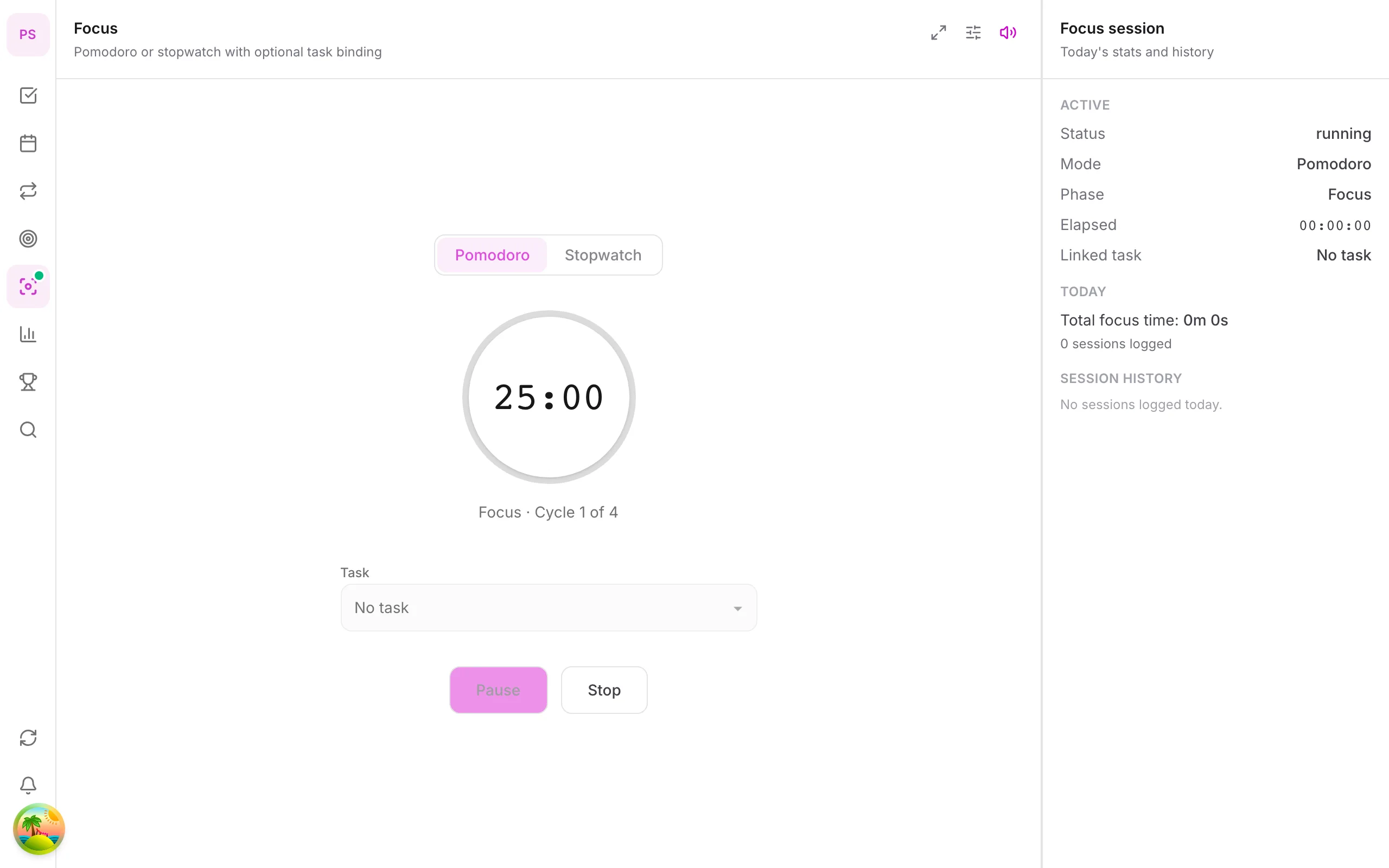
- Study in Pomodoro blocks: 25 minutes on, 5 off; see Pomodoro with a task list.
- Review weekly: use the weekly review template.
Habits for studying
One habit is enough to start: "review notes for 15 minutes after dinner". DonDon's Free plan includes one habit with a streak heatmap; for more, Premium allows up to 50. See habit stacking examples.
What is Premium in DonDon
Repeat tasks (weekly classes), the calendar with time blocking, subtasks, month and year goals, focus sounds and the pet companion are Premium ($1.99/month or $11.99/year). For many students, the Free plan is enough for deadlines and revision sessions.
Honest limits
- No shared lists or group-project collaboration in DonDon today; use a shared tool for group work.
- Recurring tasks for repeating classes need Premium.
- Compare free alternatives above if collaboration is key.
A semester system in four layers
Students juggle long-term deadlines and daily study. Four layers keep it manageable.
Layer 1: the semester map (once, 30 minutes). At the start of term, put every exam, assignment deadline and holiday into a calendar. Include the syllabus dates and group-project milestones. This is your big picture.
Layer 2: the weekly plan (Sunday, 15 minutes). Look at the next seven days. Choose the three most important deliverables. Estimate how long each needs.
Layer 3: the daily list (each morning, 5 minutes). Pick today's tasks from the weekly plan. Add study blocks around your classes.
Layer 4: the focus session (as needed). Use 25-minute Pomodoro sessions for studying, linked to a specific task. See Pomodoro with a task list.
Working backwards from deadlines
Big assignments fail from late starts. Use backward planning:
- Put the deadline on the calendar.
- Add a draft deadline a week earlier.
- Add research and outline milestones before that.
- Break each milestone into tasks of an hour or two.
A paper due in three weeks becomes a series of small tasks you can tick off.
Study habits worth tracking
Habits help more than heroic cramming. Examples:
- Review notes for 15 minutes after each lecture day.
- Do ten flashcards before breakfast.
- Read for 20 minutes each evening.
- Sleep at a regular time during exam weeks.
Start with one. DonDon's Free plan includes one habit with a calendar heatmap, enough to try the method. See habit stacking examples.
Exam preparation timeline
A simple template for an exam in four weeks:
| Weeks before | Focus |
|---|---|
| 4 | List topics, collect materials |
| 3 | Learn weak topics, summarise notes |
| 2 | Practice questions and past papers |
| 1 | Timed practice, review mistakes |
| Day before | Light review and early sleep |
Put each stage on the calendar, and add a buffer day each week.
Group projects
Group work needs shared tools. A personal planner helps with your tasks, but you still need a shared space for assignments and files. Agree on:
- Who does what, with dates.
- Where files live.
- How you communicate.
- A checkpoint a few days before the deadline.
DonDon does not have shared lists today, so use your group's tool for shared work and keep your own tasks in your planner.
Saving money
- Use free tiers until you hit a limit.
- Check for student discounts on tools you want to keep.
- Pay monthly while testing, then switch to a yearly plan if you stay.
- Avoid paying for features you can replace with free options.
Time-blocking for students
A weekly timetable with fixed classes, study blocks and breaks is time blocking. Many students do it on paper or in a calendar. If you want tasks and time blocks together in one app, DonDon's calendar is a Premium feature; the time blocking guide shows how to do it manually first.
Study tips that matter more than the app
- Break assignments into steps (draft, outline, references).
- Start the night before? Start 30 minutes earlier, with a timer.
- Put exams in the calendar early and work backwards.
See time blocking guide and DonDon pricing.
Frequently asked questions
- What is the best free planner app for students?
- Microsoft To Do and Notion are fully free for most student needs. TickTick, Todoist and DonDon have useful free tiers with limits.
- Which apps have a Pomodoro timer for studying?
- TickTick and DonDon include a Pomodoro timer; DonDon's basic timer is on the Free plan and focus sounds are Premium.
- Do student discounts exist?
- Some vendors offer student pricing; check each vendor's page. DonDon's Premium is $1.99 a month or $11.99 a year and Free covers the basics.
Create a free account and start managing tasks today.
Smart task management — focus on what matters.
Create free account