template
Weekly Review Template: A 15-Minute Ritual
A simple weekly review checklist and template you can finish in 15 minutes, plus the questions to ask and how AI can summarise your week.
Why a weekly review matters
Daily lists tell you what to do next. A weekly review tells you whether the list still makes sense. Tasks go stale, goals drift and habits slip. Fifteen minutes once a week catches that before it costs a month.
The 15-minute checklist
1. Clear (3 min)
- Empty your inbox: turn loose notes and messages into tasks or delete them.
- Check your calendar for last week and next week.
2. Review (5 min)
- What did I finish? Write down three wins.
- What did I not finish? For each: do it, schedule it, delegate it or delete it.
- How did my habits go? Note streaks and misses.
3. Plan (7 min)
- Pick your top three outcomes for next week.
- Put important work on the calendar, not just on a list.
- Check that each outcome links to a goal.
Copy-paste template
WEEK OF: ____

WINS
1.  2.  3.

NOT DONE (do / schedule / delegate / delete)
-
-

HABITS: done ___/___   streak: ___   one change: ____

NEXT WEEK TOP 3
1.  2.  3.
Scheduled on calendar? [ ]
Drop first if time is short: ____
Questions worth asking
- What gave me energy? What drained it?
- Which task did I postpone three times? Why?
- If I could only finish one thing next week, what would it be?
Using AI for the review
You can paste your numbers into Claude or ChatGPT and ask for three observations and one change; see plan your day with Claude or ChatGPT for prompts.
DonDon has an optional AI weekly review built from your statistics: tasks completed, Pomodoro sessions, focus minutes and habit check-ins for the last seven days. It uses only numbers and dates, never task titles or notes. It runs on your own key or a local model, and AI is off until you enable it.
Doing the review in DonDon
- Open the Analytics overview to see the week.
- Review the Today and This week lists and move leftovers.
- Check the habit heatmap for gaps.
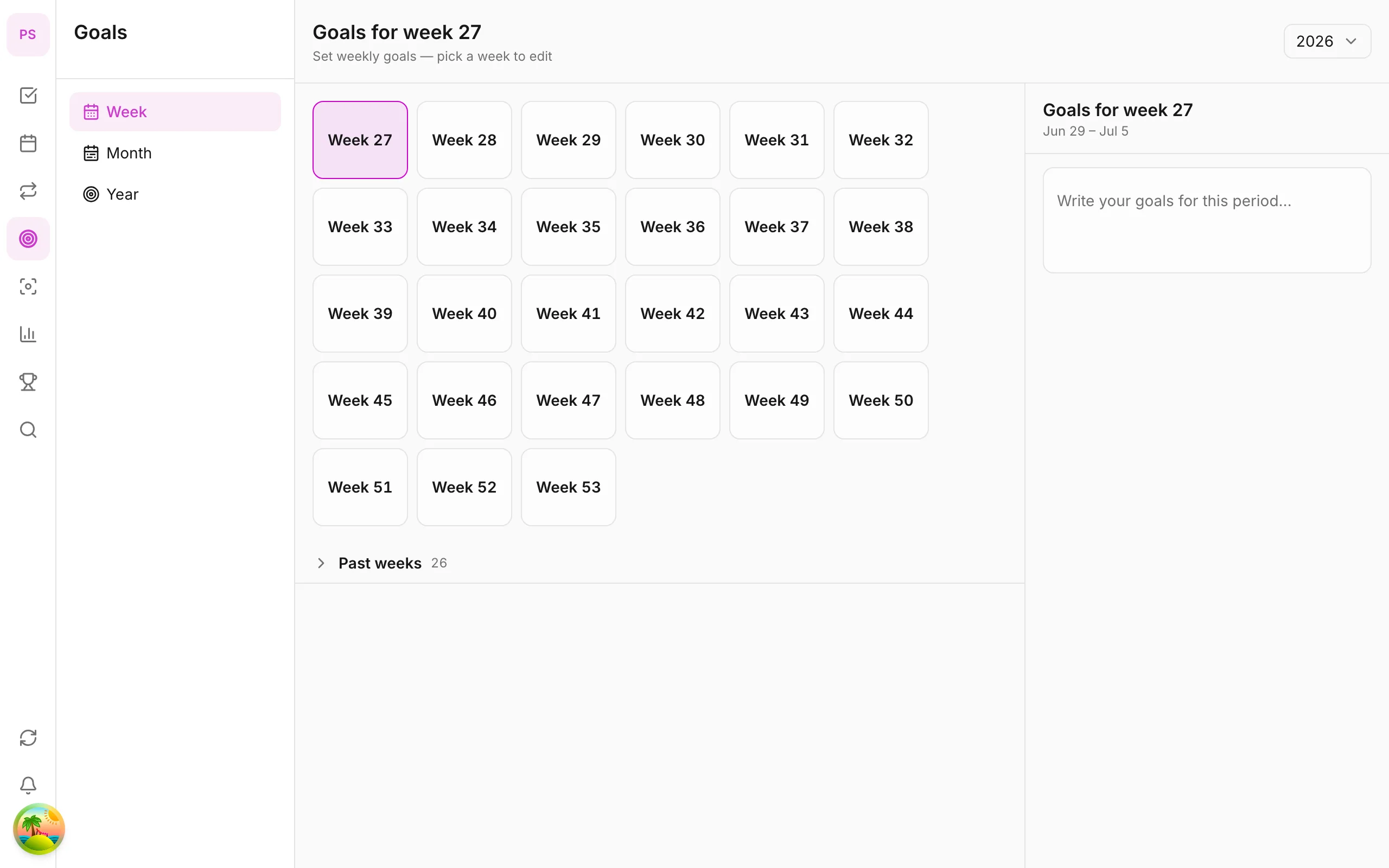
- Update week goals (free) and, on Premium, month/year goals.
- Schedule next week's top three on the calendar (Premium).
Guides: goals tracker, analytics overview and habit tracker.
Preparing for the review
A review goes faster if you prepare a little:
- Choose a fixed slot and put it on your calendar as a recurring event.
- Pick a place with no interruptions. Ten quiet minutes beat thirty distracted ones.
- Gather inputs before you start: your task list, calendar, notes and habit data.
- Set a timer. If you reach 15 minutes, finish the plan and stop.
Going deeper on each step
Clear
Treat each inbox as a source of tasks, not storage. For every item, decide immediately: do it (if under two minutes), schedule it, delegate it or delete it. The review is not the place to do long tasks.
Review the past week
Do not just list what happened; look for patterns:
- Which tasks did I carry over more than once? Usually they are too big or not wanted.
- Which days went well and why?
- Where did time go that I did not intend?
- Did my habits survive busy days?
Write one sentence of learning. It makes the next week better than a list of tasks would.
Plan the next week
Planning has three layers:
- Outcomes. The three things that would make the week a success.
- Calendar. Put the important work in time blocks. See the time blocking guide.
- Buffer. Leave a day or half-day open for surprises.
An example filled in
WEEK OF: 9 Nov

WINS
1. Shipped the proposal
2. Walked four days out of five
3. Cleared my inbox on Friday

NOT DONE
- Taxes: schedule Tue 10:00
- Reorganise files: delete for now
- Reply to Alex: do Monday first thing

HABITS: 4/5   streak: 12   one change: walk before breakfast, not after

NEXT WEEK TOP 3
1. Client workshop prep
2. Book dentist
3. Finish chapter outline
Scheduled on calendar? [x]
Drop first if time is short: reorganising files
Common reasons reviews fail
- Too long. Aim for 15 minutes; shorter if your system is tidy.
- Too vague. "Be productive" is not a plan. "Finish chapter outline" is.
- No follow-through. Plans that never reach the calendar rarely happen.
- Skipping when busy. Busy weeks are when you need it most; run a five-minute version.
- Perfectionism. A messy review beats none.
Monthly and quarterly versions
The same pattern scales:
- Monthly (30 minutes): review goals, check whether milestones are on track, and adjust habits.
- Quarterly (1 hour): step back, choose the next quarter's priorities, and drop goals that no longer matter. See setting weekly, monthly and yearly goals.
Reviewing with data
If your app tracks statistics, use them to make the review concrete: tasks completed, focus minutes, sessions and habit check-ins. In DonDon these appear in the analytics overview, and an optional AI weekly review summarises them from numbers and dates only.
Numbers tell you what happened. You decide what it means.
Make it stick
- Same time every week, same place.
- Keep it to 15 minutes; if you go over, stop and finish next time.
- Pair it with a small reward, or a habit stack (see habit stacking examples).
Related: set weekly, monthly and yearly goals.
Frequently asked questions
- What is a weekly review?
- A short, regular session where you look back at the week, clear your inboxes and plan the next week.
- How long should a weekly review take?
- Fifteen to thirty minutes. If it takes longer, your lists are probably too cluttered.
- What day is best for a weekly review?
- Friday afternoon or Sunday evening. Choose a time you can keep every week.
Create a free account and start managing tasks today.
Smart task management — focus on what matters.
Create free account