how-to
Pomodoro Timer with a Task List: Best Apps and Tips
How the Pomodoro technique works, why a timer needs a task list, and which apps combine both: TickTick, DonDon, Todoist, Notion and standalone timers.
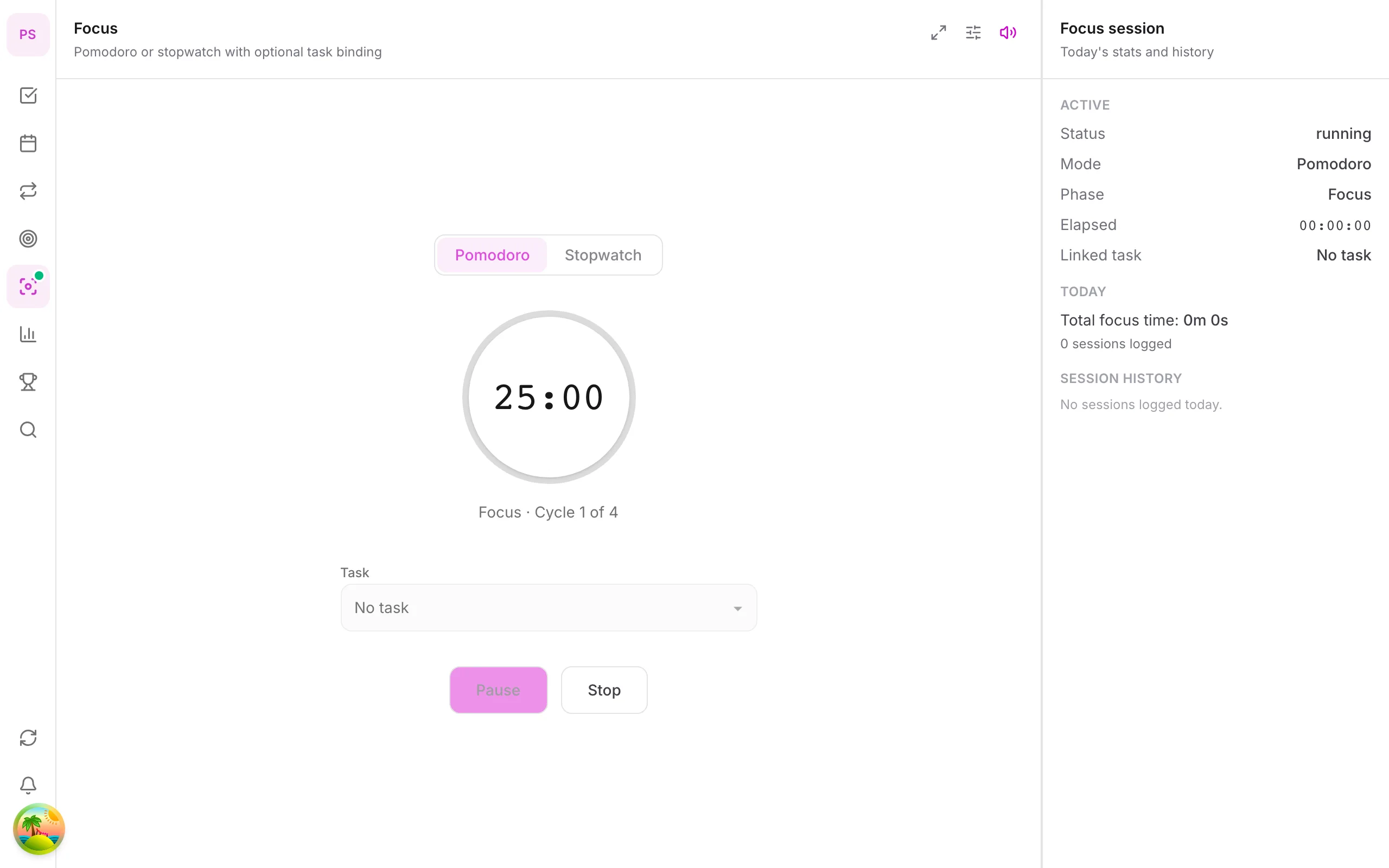
The technique in 60 seconds
The Pomodoro technique, created by Francesco Cirillo, breaks work into short, timed intervals:
- Pick one task.
- Work for 25 minutes without switching.
- Take a 5 minute break.
- After four rounds, take a 15–30 minute break.
It works because a short, bounded start is easier than "work on this all afternoon", and because the break is built in rather than negotiated.
Why a timer needs a task list
A plain timer tells you that you worked, not what you worked on. Linking each Pomodoro to a task gives you:
- A clear target for the next 25 minutes.
- A record of how many sessions a task really took, which improves your estimates.
- A natural stopping point: if the task is not done after three sessions, break it down.
Comparison of apps
| App | Timer | Linked to tasks | Free? | Notes |
|---|---|---|---|---|
| DonDon | Yes | Yes | Basic timer free; focus sounds Premium | Tasks, habits, stats in one app |
| TickTick | Yes | Yes | Basic free | Stats and white noise on premium |
| Todoist | Via integration | Via integration | Needs a separate tool | Focused list tool |
| Notion | DIY | DIY | Yes | Build it yourself |
| Stand-alone timers | Yes | No | Often free | Fast, but no task context |
Plans change; confirm features on each vendor's site.
How to run a good session
- Write the task as a next action ("Draft intro paragraph"), not a project.
- Silence notifications for 25 minutes.
- Keep a "distractions" note: write the stray thought, do not act on it.
- Break away from the screen on the 5 minute break.
- At the end, log what you finished and pick the next task.
Pomodoro in DonDon
- Start a focus session from a task or from the Focus module.
- The timer counts completed sessions and focus minutes, which feed the statistics and weekly review.
- Focus sounds (Premium) provide background audio.
- If you enable AI, the weekly review uses your focus numbers (not your task titles) to summarise the week.
See the Pomodoro guide.
Troubleshooting
- 25 minutes feels too long. Start with 15.
- Constant interruptions. Use the distractions note and reply in the break.
- Tasks keep overflowing. Break them down first; see brain dump to to-do list.
- ADHD or low energy days. Shorter sessions and a tiny first step often help; see apps for ADHD.
Adapting the technique
The classic 25/5 rhythm is a starting point, not a rule. Adjust it to your work:
| Situation | Suggested rhythm |
|---|---|
| Hard to start, low energy | 10 to 15 minutes on, 3 off |
| Writing, coding, study | 25 on, 5 off |
| Deep creative or analytical work | 50 on, 10 off |
| Reading or review | 25 on, 5 off, with notes |
What matters is that the interval is short enough to start and long enough to get into the work. Experiment for a week before settling.
Handling interruptions
Interruptions are the main reason Pomodoros fail. A simple protocol:
- Internal interruptions (an idea, a worry): write it on a "distractions" list and return to the task.
- External interruptions (a colleague, a message): if urgent, deal with it and restart the interval. If not, note it and answer in the break.
- Genuine emergencies: stop, handle it, start a fresh session later. Do not count the broken one.
The goal is not perfection; it is making a habit of finishing the interval.
Estimating with Pomodoros
Linking sessions to tasks gives you a unit for estimation:
- Count how many Pomodoros a task took.
- Next time, estimate in Pomodoros ("this will take four").
- After a month you will have real data on how long typical tasks take, which improves planning and time blocking.
If a task has taken more than five or six Pomodoros without finishing, it is not one task. Break it down; see brain dump to to-do list.
Breaks that actually restore you
A break spent scrolling is not a break. Better options:
- Stand up, stretch or walk.
- Look at something far away for a minute.
- Drink water.
- Step outside if you can.
Avoid starting new work or reading messages during short breaks.
Common problems and fixes
"I lose focus after 10 minutes." Shorten the interval and build up. Remove phone notifications for the session.
"I keep wanting to check my phone." Put it in another room, or use do-not-disturb during sessions.
"I get into flow and the timer interrupts." If you are in flow, keep going. Take the break afterwards. The timer is a tool, not a master.
"I forget to start the timer." Attach starting to a cue: pour coffee, open the task, press start.
"My tasks are too vague." Rewrite them as concrete next actions before the session.
Pomodoro and your day plan
The technique fits neatly inside a time-blocked day: a 90-minute deep-work block can hold three Pomodoros with short breaks. See the time blocking guide. At the end of the day, record how many sessions you completed. In DonDon the timer feeds your statistics and weekly review, which uses numbers like focus minutes and completed sessions.
A simple one-week experiment
- Day 1 to 2: Use 15-minute sessions on one task a day.
- Day 3 to 5: Move to 25 minutes and link each session to a task.
- Day 6 to 7: Review how many sessions you completed and where the time went.
- Decide: keep the length that you actually finished most often.
If you finish the week with a clearer sense of how long things take, the experiment has already paid off.
Try it
The timer is on the Free plan. Download from platforms or see pricing.
Frequently asked questions
- How long is a Pomodoro?
- The classic Pomodoro is 25 minutes of focused work followed by a 5 minute break, with a longer break after four rounds. Many people adjust the lengths to fit their work.
- Why use a timer with a task list?
- A standalone timer tells you how long you worked, not on what. Linking each session to a task shows where the time went and makes it clear when a task is really done.
- Is the Pomodoro timer free in DonDon?
- The basic Pomodoro timer is included in the Free plan. Focus sounds are a Premium feature.
Create a free account and start managing tasks today.
Smart task management — focus on what matters.
Create free account