how-to
Brain Dump to To-Do List: Turn Thoughts into a Plan
A five-step brain dump method, plus how AI can sort the mess into tasks, priorities and next actions. Includes prompts and a DonDon walkthrough.
What a brain dump is
A brain dump is writing everything on your mind without sorting it: tasks, worries, ideas, half-formed projects. Your head holds that mess as background anxiety; getting it onto a page removes the load, and sorting comes second.
The five-step method
- Dump (10 minutes). Write continuously. No categories, no full sentences.
- Circle actions. Underline anything you could actually do.
- Turn each into a next action. "Mom's birthday" becomes "Order flowers for Mom".
- Sort. Today, this week, someday, delete.
- Schedule the first three. Give them a time.
Where AI helps
Steps 3 and 4 are mechanical and AI is good at them. Paste your dump and ask:
Here is my brain dump.
1) Extract every concrete action as a short imperative task.
2) Guess due dates only when the text implies one; otherwise leave blank.
3) Group related tasks and flag anything that is a project (needs several steps).
4) Suggest my top three for today.
Return a table: task | due | group.
You stay in charge. Models can misread context, invent a deadline or skip an item. Treat the output as a draft.
Privacy note
A brain dump can contain personal details. Think about where it goes:
- Cloud AI built into an app routes text through that vendor.
- A bring-your-own-key setup sends it from your device to the provider you chose.
- A local model keeps it on your computer; see local AI to-do app with Ollama.
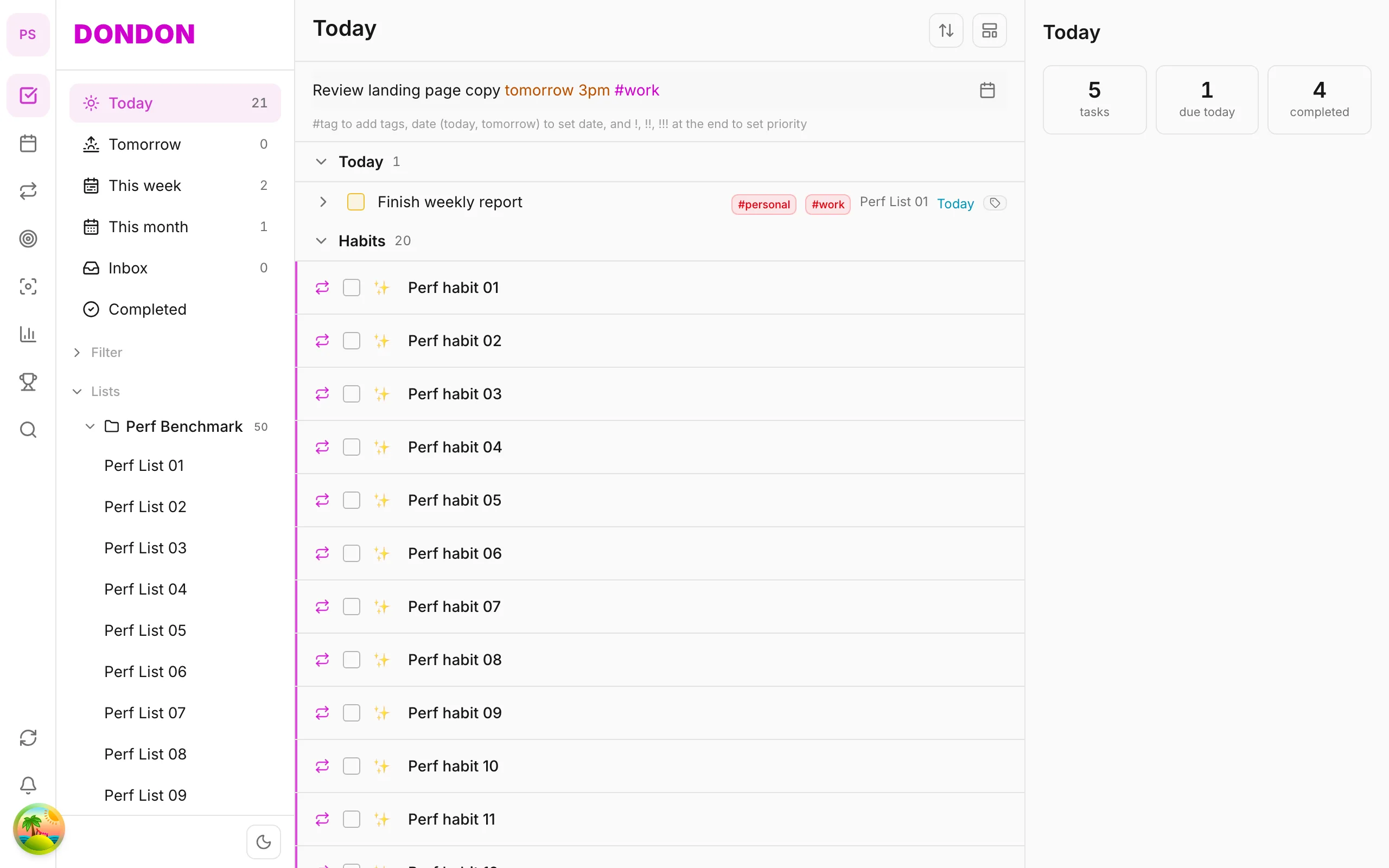
Doing it in DonDon
- Write the dump as a note (notes live next to your tasks).
- With AI enabled, use the notes to tasks action to extract action items. DonDon shows them as draft tasks first.
- Refine the drafts: edit titles, dates and lists before saving.
- Break down any large item into steps with AI.
- Put the top three on Today and, on Premium, onto the calendar.
AI in DonDon uses your own key (Claude, OpenAI, Gemini) or a local model, and nothing is sent while it is off. Without AI you can still paste a list into quick-add one task at a time, with natural-language dates such as Order flowers Friday #personal.
Make it a habit
Do a short dump every morning or every Friday as part of your weekly review. If a thought is a project, stop and ask: what is the very next physical action?
Prompts for each stage
Sorting a raw dump.
Below is an unsorted brain dump. Group the items into: Actions (things I can do),
Projects (need more than one step), Waiting for (depends on someone else),
Ideas (no commitment) and Noise (delete). Keep my wording. Do not invent items.
Turning a project into next actions.
For the project "[project]", list the very next physical action I could take in
under 15 minutes, then the next five actions in order. Flag any that need
information or another person.
Finding what to do first.
From these tasks, pick the three that matter most this week given my goals:
[goals]. Explain each choice in one sentence and say what I should postpone.
Replace the bracketed parts with your own information. Short, specific instructions beat long ones.
Dumping on different days
A brain dump does not have to be one big event.
- Morning dump (5 minutes). Clears overnight worries before you start work.
- Meeting dump (2 minutes). After a meeting, write every action item immediately.
- Weekly dump (10 minutes). Part of your weekly review: catch what the week left in your head.
- Emergency dump. When you feel overwhelmed, stop and write for ten minutes. Sorting can wait.
Organising what comes out
After the dump, use a simple structure:
| Category | What goes there | Next step |
|---|---|---|
| Today | Must happen today | Put on calendar |
| This week | Important this week | Pick top three |
| Someday | Worth keeping, not now | Review monthly |
| Waiting | Blocked by someone | Note who and when to follow up |
| Delete | Not worth the space | Remove now |
Putting a task in "someday" is a decision, not a failure. It frees attention for what matters.
Common problems
The dump never ends. Set a timer. When it rings, stop. A fixed time makes the exercise safe to finish.
Everything feels urgent. Use the Eisenhower matrix on your top ten items only.
Items are too vague. Rewrite them as verb-first actions: "Call", "Draft", "Book", "Send".
You keep re-dumping the same worries. If an item appears repeatedly, it needs a decision, not another list entry. Schedule time to decide it.
What AI should not decide for you
AI can structure information; it cannot judge what matters to you. Do not let it:
- Choose your priorities without your input.
- Delete items automatically.
- Set deadlines you did not intend.
Keep a human step between "draft" and "saved". In DonDon, AI output arrives as draft tasks that you review and edit before they are created.
Making the system sustainable
A brain dump routine survives if it is cheap. Keep a single note or inbox, avoid elaborate templates and make the sorting step small. If it takes more than ten minutes, reduce the scope: dump only what is stressing you right now.
When it still feels overwhelming
Pick one item. Set a 15 minute timer. See Pomodoro with a task list or apps for ADHD.
Frequently asked questions
- What is a brain dump?
- Writing down everything on your mind without sorting it, so you can organise it afterwards.
- Can AI turn notes into tasks?
- Yes. A language model can extract action items, guess due dates and group related items. You should always review what it proposes.
- Does DonDon send my notes to a server for AI?
- Only to the AI provider you configure, straight from your device. AI is off by default, and you can use a local model so nothing leaves your computer.
Create a free account and start managing tasks today.
Smart task management — focus on what matters.
Create free account