Quick actions
Repeat a task on the app (Premium)
Set daily or weekly repeats in Task detail — Premium Repeat feature on iPhone/Android.
Premium
What you’ll learn
- Enable task repeat on mobile (Premium)
- Choose daily or weekly cycles
- Edit or turn off repeat after creation
Before you start
| Platforms | iOS (TestFlight) · Android — primary guide. |
| Install | iOS: TestFlight (board link). Android: APK / Play internal when available. |
| Plan | Premium — task repeat |
| Prerequisites | Active Premium; task on Home tab. |
This feature requires Premium. See comparison.
Steps
1. Open Task detail
Tap the task to repeat → Task detail screen.
2. Enable Repeat
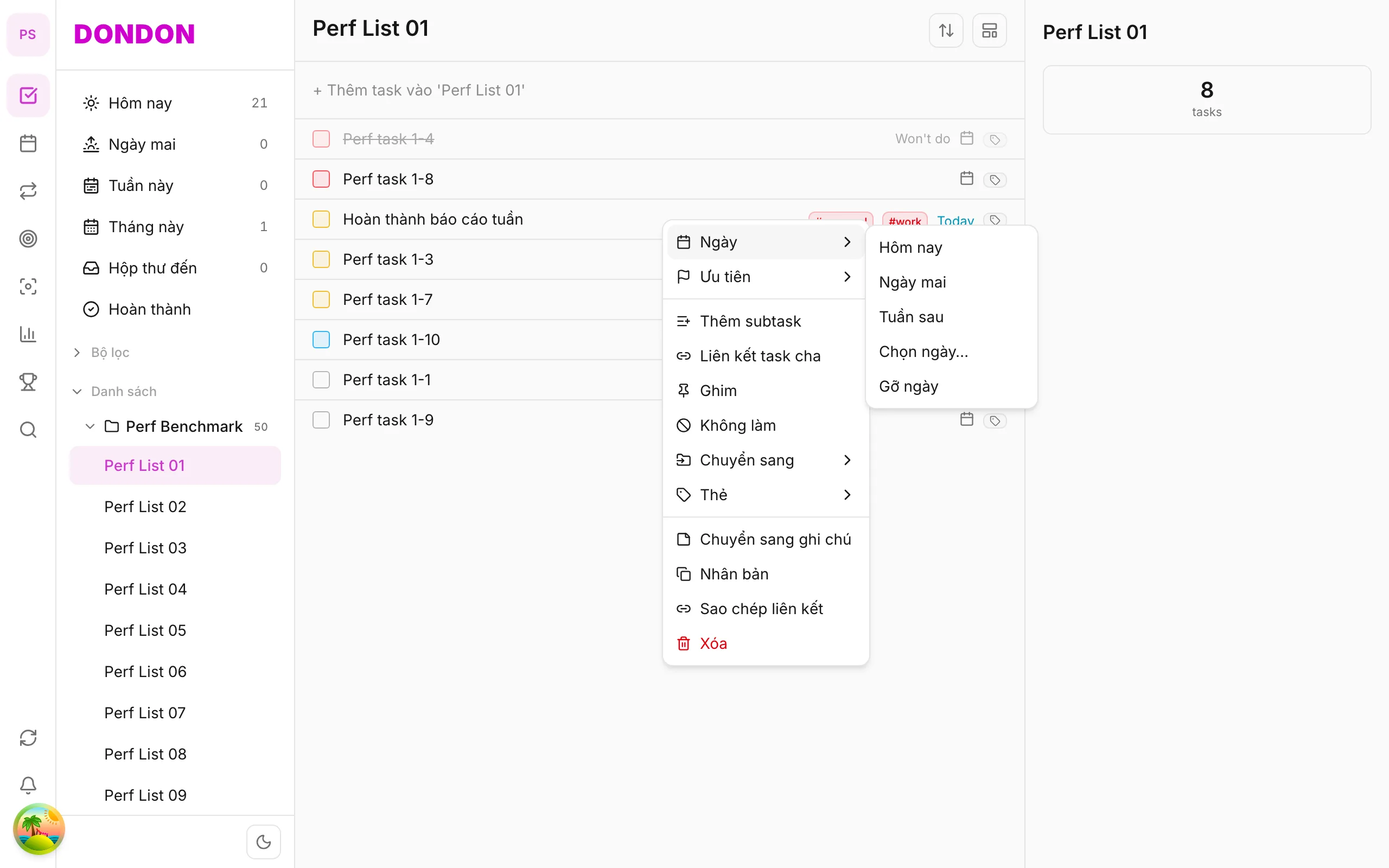
Tap Repeat (or long-press → Date → Pick date… → Repeat tab).
3. Choose cycle
Select Daily, Weekly, or other options in the form. Save to apply.
4. Complete an instance
When you mark Done, the app creates the next instance per the cycle (per product behavior).
Mobile tips
On web/desktop: Right-click → Date → Pick date… → Repeat tab.
Related guides
Try DonDon on your phone
Install on iOS (TestFlight) or Android. Sign up free if you don’t have an account yet.
Frequently asked questions
- Does repeat require Premium?
- Yes — Repeat is Premium. On Free, use habits or create tasks manually.
- Where do I set repeat on mobile?
- Task detail → **Repeat**, or long-press → **Date** → **Pick date…** → Repeat tab.
- Is monthly repeat available?
- Depends on options in the Repeat form — daily, weekly, monthly when supported.
Create a free account and start managing tasks today.
Smart task management — focus on what matters.
Create free account