template
Eisenhower Matrix: How to Use It (With a Free Template)
The Eisenhower matrix sorts tasks by urgent and important. Learn the four quadrants, a worked example, a template and how to use it in an app.
The four quadrants
The matrix asks two questions about every task: Is it urgent? Is it important?
| Urgent | Not urgent | |
|---|---|---|
| Important | 1. Do now – crises, deadlines | 2. Schedule – planning, health, learning, relationships |
| Not important | 3. Delegate – most interruptions, some email | 4. Delete – busywork, time sinks |
Quadrant 2 is where the value is. Important but not urgent work, such as planning and skill-building, rarely demands attention, so it only happens if you put it on the calendar on purpose.
A worked example
Monday morning list:
- Client contract due today → Do now
- Plan next quarter's goals → Schedule (Thursday 10:00)
- Reply to a chatty group thread → Delegate or batch later
- Reorganise old files → Delete for now
- Workout → Schedule (daily 18:00)
- Prepare slides for Friday → Schedule (Wednesday afternoon)
Free template
DO NOW (urgent + important)        | SCHEDULE (important, not urgent)
----------------------------------|----------------------------------
1.                                 | 1.   when: ___
2.                                 | 2.   when: ___

DELEGATE (urgent, not important)   | DELETE (neither)
----------------------------------|----------------------------------
1.   to: ___                       | 1.
Common mistakes
- Calling everything urgent. Ask what happens if it waits until tomorrow.
- Never scheduling quadrant 2. Give each item a date and time.
- Sorting once. Re-sort weekly.
- Delegating without clarity. Say what done looks like.
Using the matrix in an app
You can draw the grid on paper, but an app helps when tasks already carry priority and due date. Urgent roughly maps to a near due date; important maps to priority.
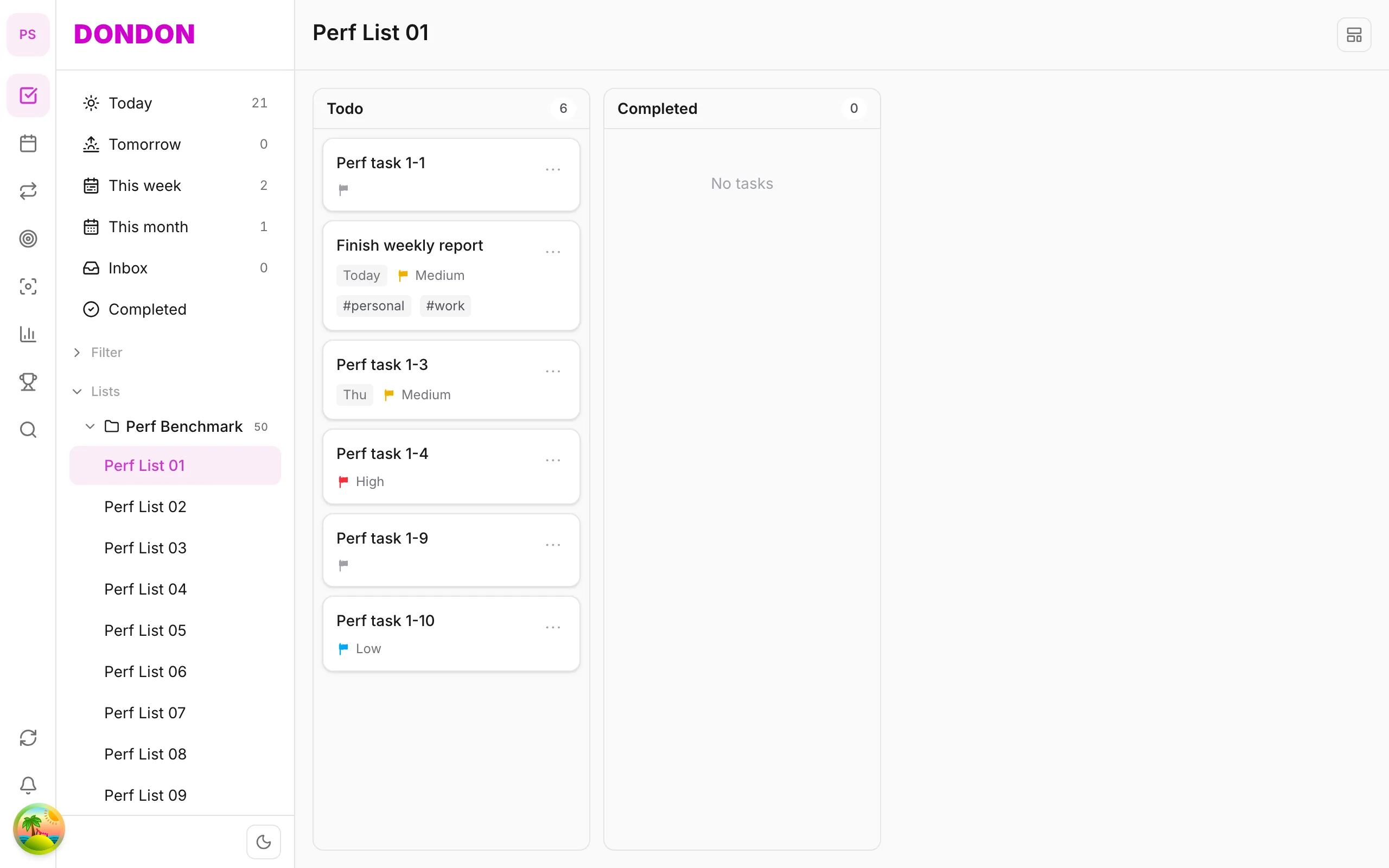
DonDon includes an Eisenhower matrix view that groups your tasks into the four quadrants and suggests moves between them. It is part of the advanced task views (Kanban, Matrix and Timeline), which are Premium ($1.99/month or $11.99/year). Tasks keep their normal due dates and priorities, so changing a quadrant changes the underlying fields. On the Free plan you can apply the method with priority and due date in the normal list.
Related guides: task priority and set a task due date.
Combine it with other methods
- Time blocking: place quadrant 2 items on the calendar. See the time blocking guide.
- Weekly review: sort the matrix as part of your weekly review.
- Pomodoro: use sessions to work through quadrant 1 and 2 items; see Pomodoro with a task list.
How to decide what is urgent and what is important
The matrix is only as good as your answers to two questions, and people often confuse them.
Urgent means it needs attention soon and there is a consequence if you wait. Deadlines, requests with a real time limit and emergencies are urgent. A message that merely feels pressing because someone sent it is not.
Important means it moves you towards something you care about: a goal, a responsibility, your health, a relationship. Importance is about outcomes, not noise.
Quick tests:
- If I do nothing for a week, what actually happens? Real consequences point to urgent.
- Will I care about this in six months? If yes, it is probably important.
- Whose priority is this? Tasks that serve someone else's agenda are often urgent but not important to you.
More examples by quadrant
Do now (urgent and important). A client deliverable due today. A medical appointment you must attend. A bill with a penalty if late. A broken system affecting customers.
Schedule (important, not urgent). Planning next quarter. A weekly workout. Learning a skill. Having a difficult conversation. Saving money. Writing the first draft of something due in a month.
Delegate (urgent, not important). A routine request someone else could handle. Scheduling logistics. Some meetings that do not need you. Ask whether it can be done by someone else, automated or batched.
Delete (neither). Browsing without purpose. Tasks left over from old goals. Meetings with no agenda. Be ruthless: unchecked items become mental clutter.
Working the matrix week by week
- Dump everything on one list first. See brain dump to to-do list.
- Sort each item into a quadrant. Do not spend more than 30 seconds on each.
- Handle quadrant 1 first, but notice why it is full. If it always is, you are probably missing quadrant 2.
- Schedule quadrant 2 with a date and time. Use time blocking.
- Delegate or batch quadrant 3, and delete quadrant 4.
- Re-sort weekly. Tasks move: a quadrant 2 item becomes quadrant 1 as the deadline nears.
What the matrix cannot do
- It does not estimate effort. A tiny urgent task and a huge one look identical.
- It does not handle dependencies. Something may be blocked until another task is done.
- It can feel judgmental. Not every "not important" item is a waste; rest and fun are important too.
Use it alongside other tools. A common combination is Eisenhower to decide what, time blocking to decide when, and a Pomodoro timer to decide how to start. See Pomodoro with a task list.
Signs your matrix is working
- Quadrant 2 gets real calendar time every week.
- Quadrant 1 shrinks over time because you act earlier.
- You can name something you deleted on purpose this month.
- You feel less reactive.
Signs it is not
- Everything ends up in "do now".
- You sort tasks but never schedule them.
- You avoid the exercise because it feels heavy. Then simplify: sort only your top ten tasks.
Try it
Start free at DonDon and check the pricing page for what each plan includes.
Frequently asked questions
- What is the Eisenhower matrix?
- A prioritisation tool that sorts tasks into four quadrants by two questions: is it urgent, and is it important? The quadrants are usually labelled do, schedule, delegate and delete.
- Did Eisenhower invent the matrix?
- The idea is credited to Dwight D. Eisenhower, who described the principle that what is important is seldom urgent. Stephen Covey later popularised the grid in The 7 Habits of Highly Effective People.
- How often should I sort the matrix?
- A weekly 15 minute session works well, with a quick check each morning. Urgency changes, so a one-time sort goes stale.
Create a free account and start managing tasks today.
Smart task management — focus on what matters.
Create free account